- 13 -
8. PROFILING
A. Start-up
▪ On the control panel check that:
- Stop / Emergency stop C2 not initiated
▪ Flip the switch C1 on .
The metal sheet will be profiled continuously.
A test strip is preferable to check all dimensions of the profile, before starting production.
▪ Press the Stop / Emergency Stop C2 button:
The machine stops but can be restarted by turning the emergency stop C2 clockwise and then turning
the switch C1 to .
B. Removing the tray
▪ Cut the metal strip at the back of the machine (sheet metal) or at the front (profiled).
▪ Restart the roll-forming machine until the profile is completely extracted, using the C1 () switch.
▪ Support the tray on the exit and remove from the machine manually.
C. Reverse function
Using reverse gear can reposition a poorly set sheet.
▪ On the control panel check that:
Stop / Emergency stop C2 not initiated
▪ Flip switch C1 on to push the sheet back.
▪ The machine will stop as soon as you flip the switch C1back.
You should not put a completed tray through into the machine while using reverse gear.
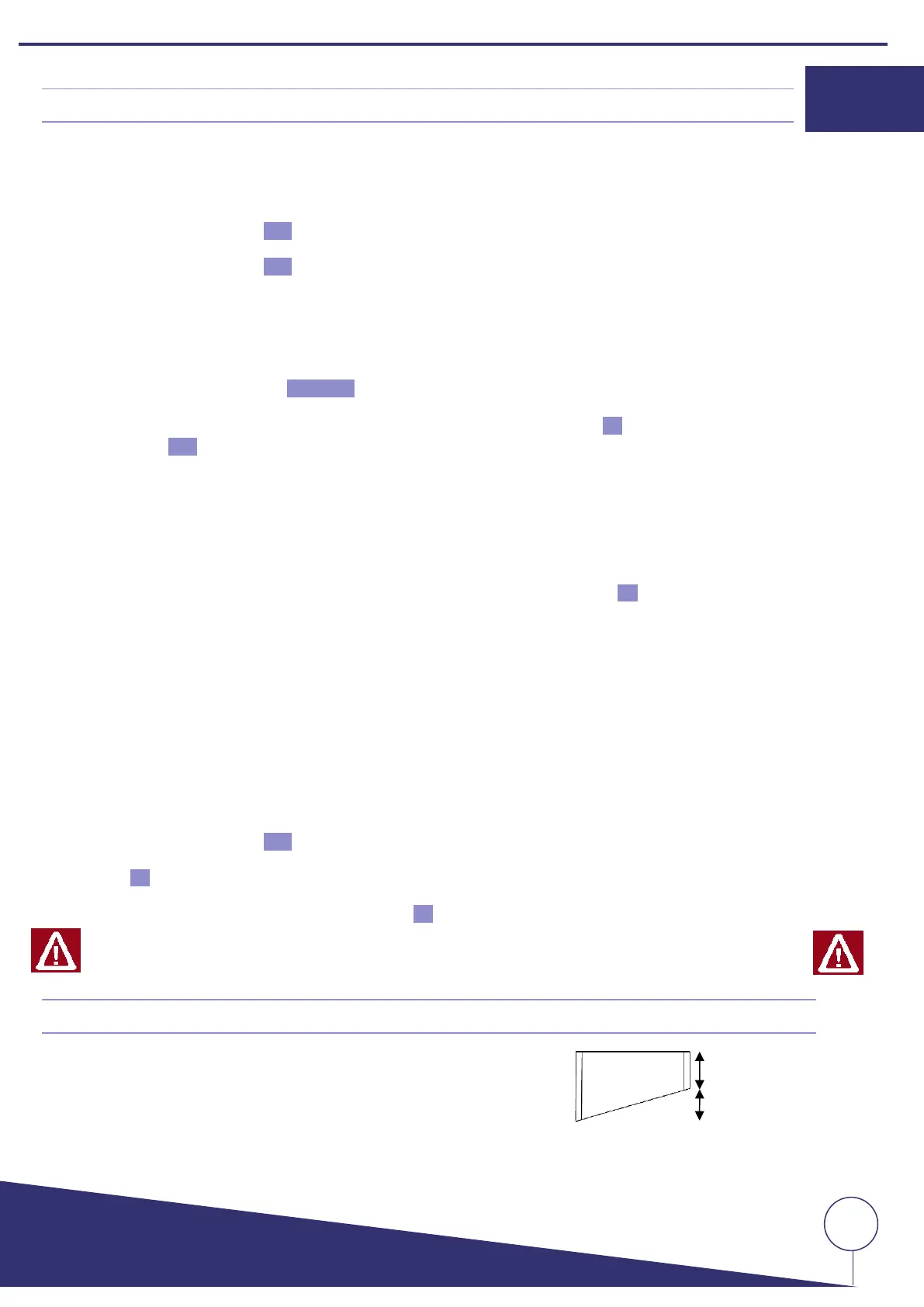
9. TRAY WITH SIDES HAVING UNEQUAL LENGTHS
- The sides of the sheet should not be less than 500 mm.
- The length of the cut side should not be more than 600 mm.


 To Next Page