EasyManua.ls Logo

Dimplex 6909660300 - User Manual

Dimplex 6909660300
66 pages
Print Icon
To Next Page IconTo Next Page
Loading...
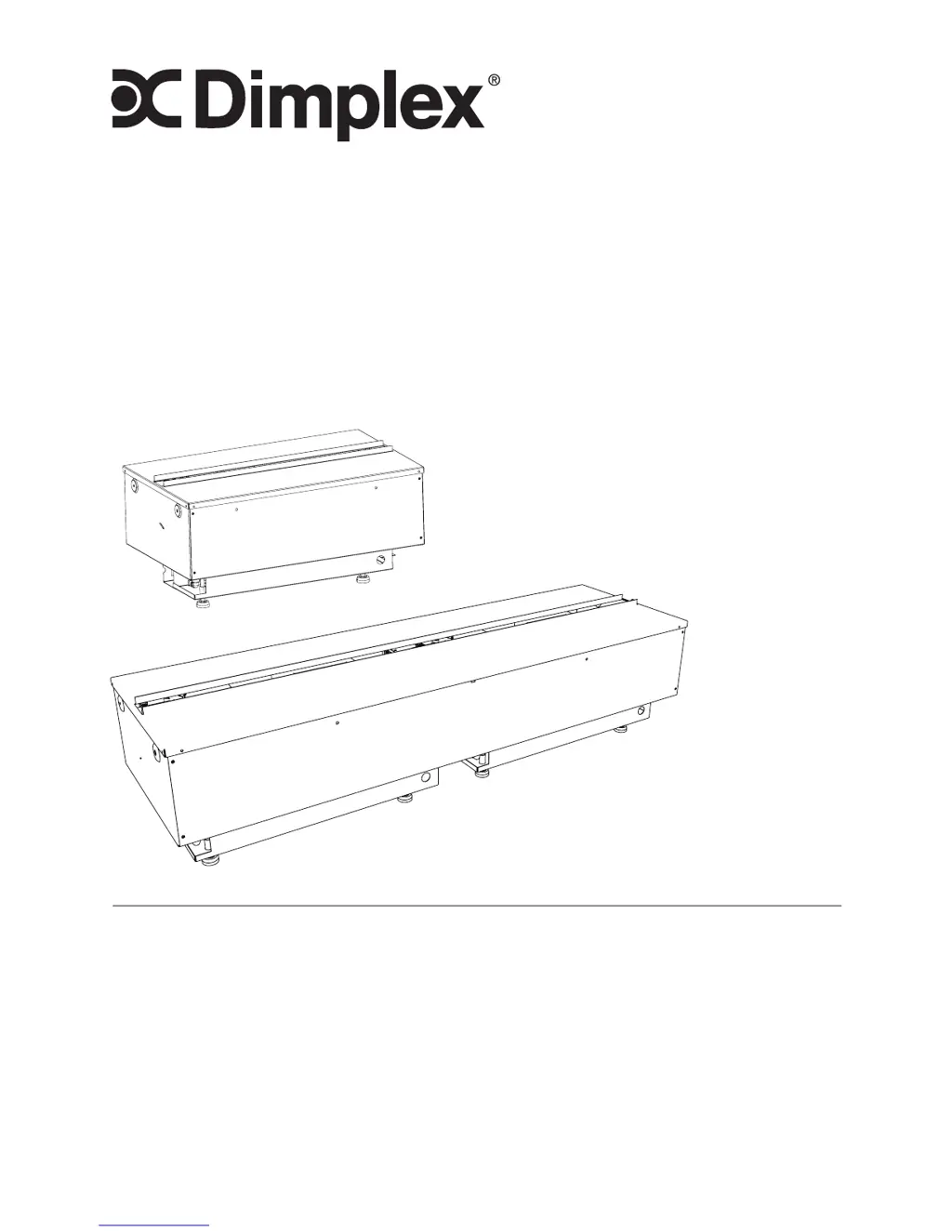
Owners Manual
6909660300
6909660400
Model
CDFI1000-PRO
CDFI500-PRO
7214300200R00
IMPORTANT SAFETY INFORMATION: Always read this manual
rst before attempting to install or use the Opti-myst
®
cassette. For
your safety, always comply with all warnings and safety instructions
contained in this manual to prevent personal injury or property
damage.
To view the full line of Dimplex products, please visit
www.dimplex.com

Other manuals for Dimplex 6909660300

Questions and Answers

  • S
    sshawAug 23, 2025
    Why won't my Dimplex Indoor Fireplace turn on with the remote?
    • F
      Fred HayesAug 23, 2025
      If your Dimplex Indoor Fireplace does not turn on with the remote control, first, consult the Operation Section to ensure proper operation. Then, try installing new batteries in the remote control. Make sure the tethered controller is correctly installed, ensuring the connection has clicked into place and a red light is visible. Synchronize the remote to the unit; the unit will flash on and off during synchronization, and completion will be indicated with 5 beeps. Ensure the tethered controller is in an open area to receive the remote signal. If the blue light on the remote doesn't turn on when buttons are pressed, the remote control may be defective and needs replacement.

Summary

Important Instructions

Installation

Cassette Plumbing

Details on hard-plumbing the cassette unit with water supply.

Wiring Diagram

Visual representation of electrical connections for the unit.

Operation

Controls

Explains functions of unit and remote control buttons.

Remote Control Initialization; Reprogram

Steps to synchronize the remote control with the cassette.

Maintenance

Filling the water tank

Procedure for refilling the water reservoir of the unit.

Dimplex 6909660300 Specifications

General IconGeneral
BrandDimplex
Model6909660300
CategoryIndoor Fireplace
LanguageEnglish

Related product manuals