20 www.dimplex.com
Operation
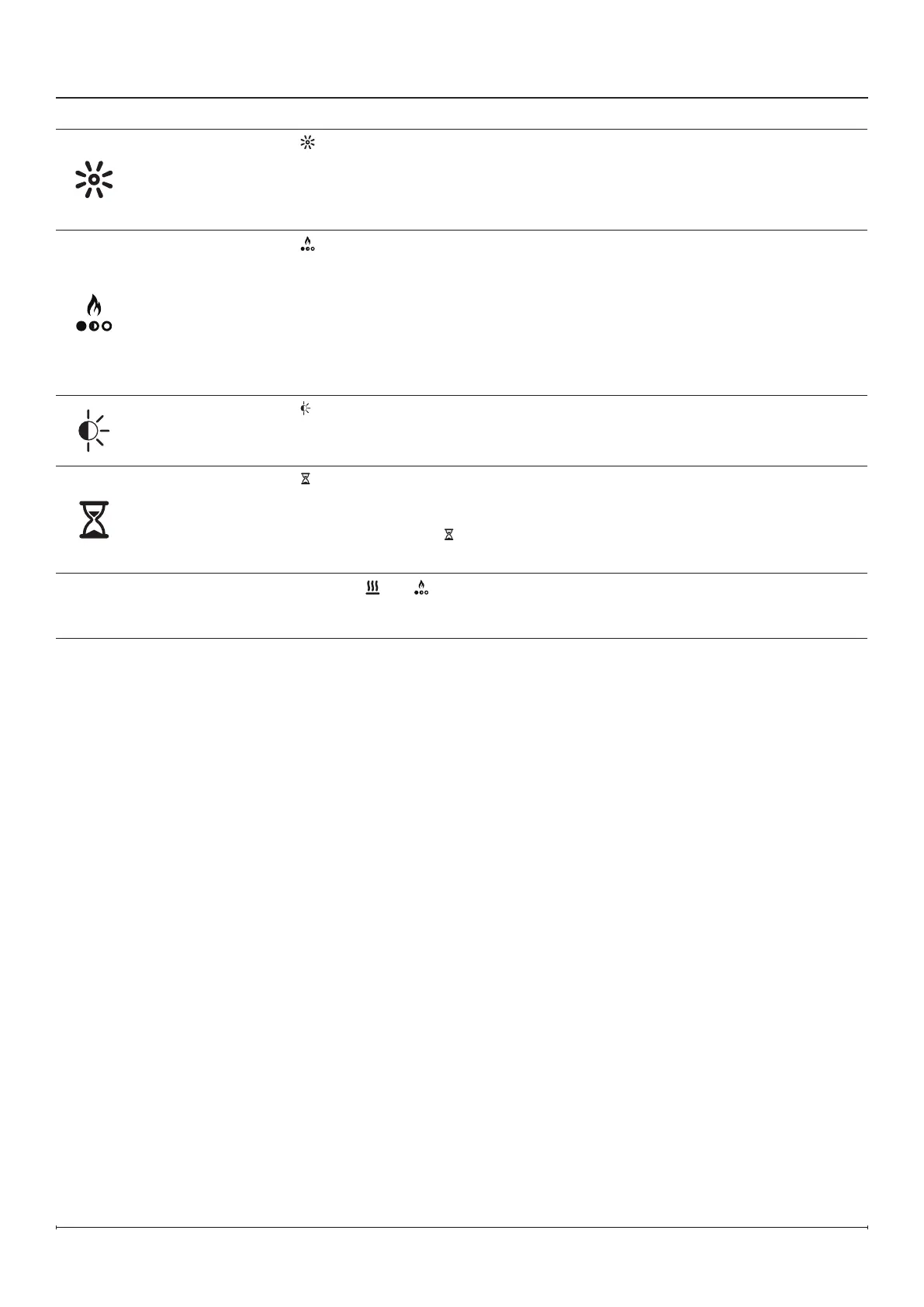
Brightness
Press
repeatedly to cycle through the brightness and icker modes.
Solid H - High Brightness
Solid L - Low Brightness
Cycle H - High Brightness with ickering media and accent lights
Cycle L - Low Brightness with ickering media and accent lights
Flame Themes
Press
repeatedly to cycle through the 7 different ame themes:
1 - Base with orange and blue accents
2 - Base with orange accents
3 - Base with blue accents
4 - Blue
5 - Orange
6 - Base
7 - Orange and blue
Ambient Light
Sensor
Press
to turn the ambient light sensor on or off.
The ambient light sensor will automatically adjust the brightness of the replace lights
based on the ambient light in the room.
Timer
Press
repeatedly until the desired number of hours of the timer is displayed. When
this function is active, the replace will turn off after a set amount of time. The timer
can be set from 30 minutes (display will show .5) to 8 hours in intervals of 30 minutes.
To turn the timer off, press
repeatedly until 0 appears on the display.
While the timer is active, press the timer button to see the time remaining.
Factory Reset
Press and hold
and at the same time for 3 seconds to reset all the settings to
factory default. This action will also disconnect the unit from the Wi-Fi network if
connected. This action must be performed on the hidden touch controls.




 To Next Page