EasyManua.ls Logo

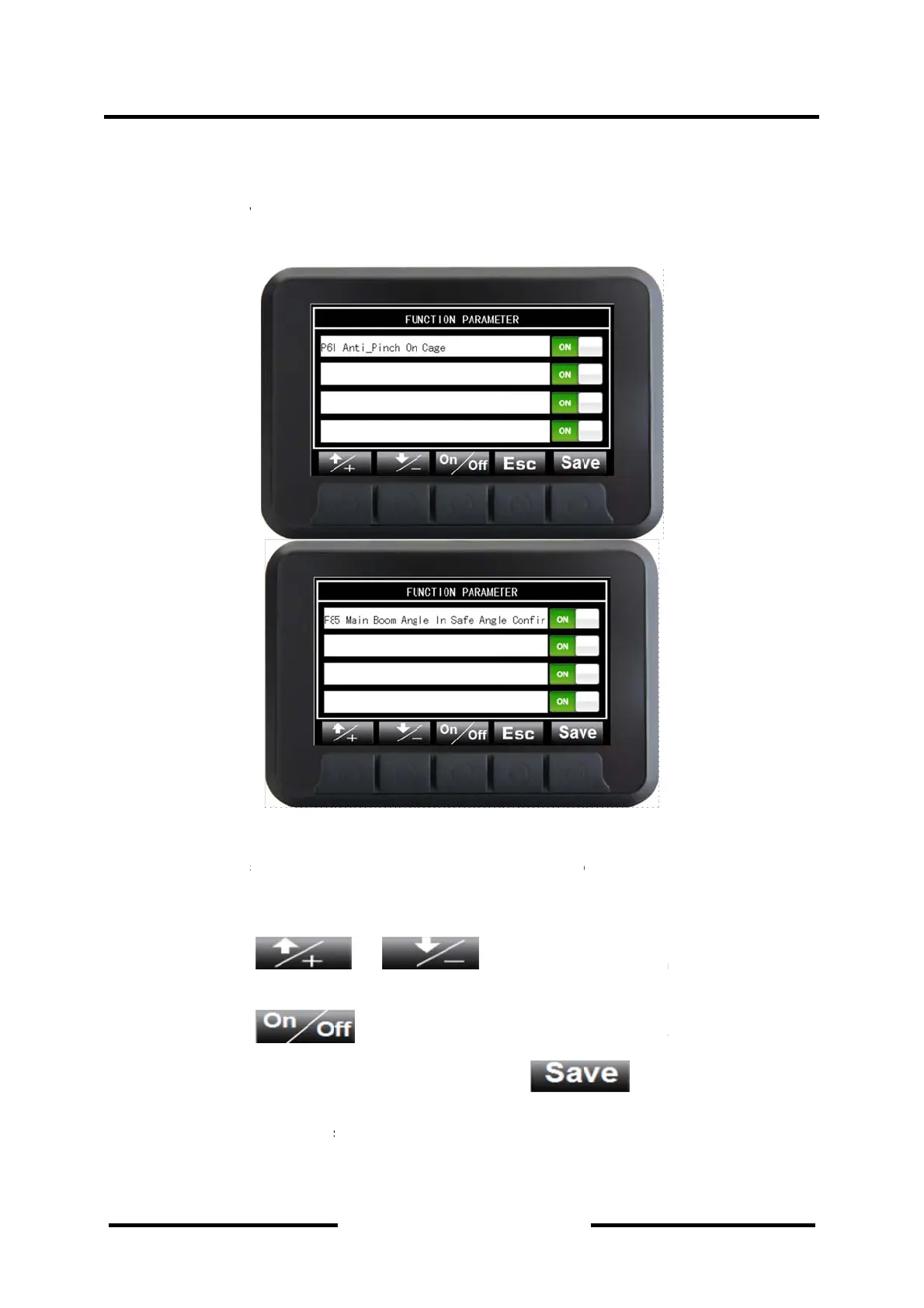
DINGLI BA20ERT - Setting Interface

Default Icon
111 pages
Print Icon
To Next Page IconTo Next Page
To Previous Page IconTo Previous Page
Loading...
Oper
a
Vehicle
down th
in the pl
4.2.3.4
S
The set
t
The opt
The pro
c
1.
D
w
2.
D
3.
S
a
v
a
tion &
M
Condition I
e Data butt
o
atform and
w
S
etting Int
e
t
ing interfa
c
t
ional functi
o
c
edures ar
e
D
epressing
w
ould be s
h
D
epressing
S
ave the m
o
a
pplied to “
P
v
alid after b
M
aintena
n
nterface in
d
o
n, includin
g
w
ork press
u
e
rface
c
e could be
o
n can be t
e
as follows:
h
own in yell
o
o
dified valu
e
P
61 Anti_Pi
n
eing saved
s
n
ce Man
u
Din
g
d
icating dat
a
g
the angle
o
u
re.
Figure 4
-
entered by
u
rned on o
r
or
o
w backgro
u
and hol
d
e
by depres
s
n
ch On Cag
s
uccessfull
y
u
al
g
li Mach
a
on vehicl
e
o
f main boo
-
7 Setting
depressing
r
off withou
t
is
u
u
nd.
d
ing on is u
s
s
ing the but
t
e”. In the c
o
y
.
Section
4
inery
e
condition
m lifting, th
e
Interface
setting butt
o
t
password,
u
sed to cha
n
s
ed to turn
o
t
on
o
ndition of i
n
4
-Machi
n
Indicat
o
can be en
t
e
angle in X
/
o
n and hol
d
after enteri
n
ge the item
o
n or off cor
. This
n
terruption
o
n
e Contr
o
o
rs
t
ered by d
e
/
Y direction,
d
on for on
e
ng setting i
m
. The chos
e
r
responding
s
measure i
s
o
f power su
p
o
ls and
4-14
e
pressing
the load
second.
nterface.
e
n item
function.
s
only
p
ply ,it is

Table of Contents

Related product manuals