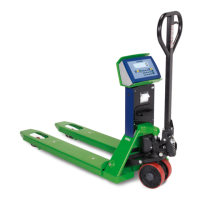
TPW
65
B
E
H
C
F
I
A
D
G
0.0
T00000
H00000
l00000
MODE
tarGet
0 9
0 9
...
PRINT
PRINT PRINT
0 9
...
Advanced scale functions
USER_MAN_ENG_TPW_v4
...
Weight check
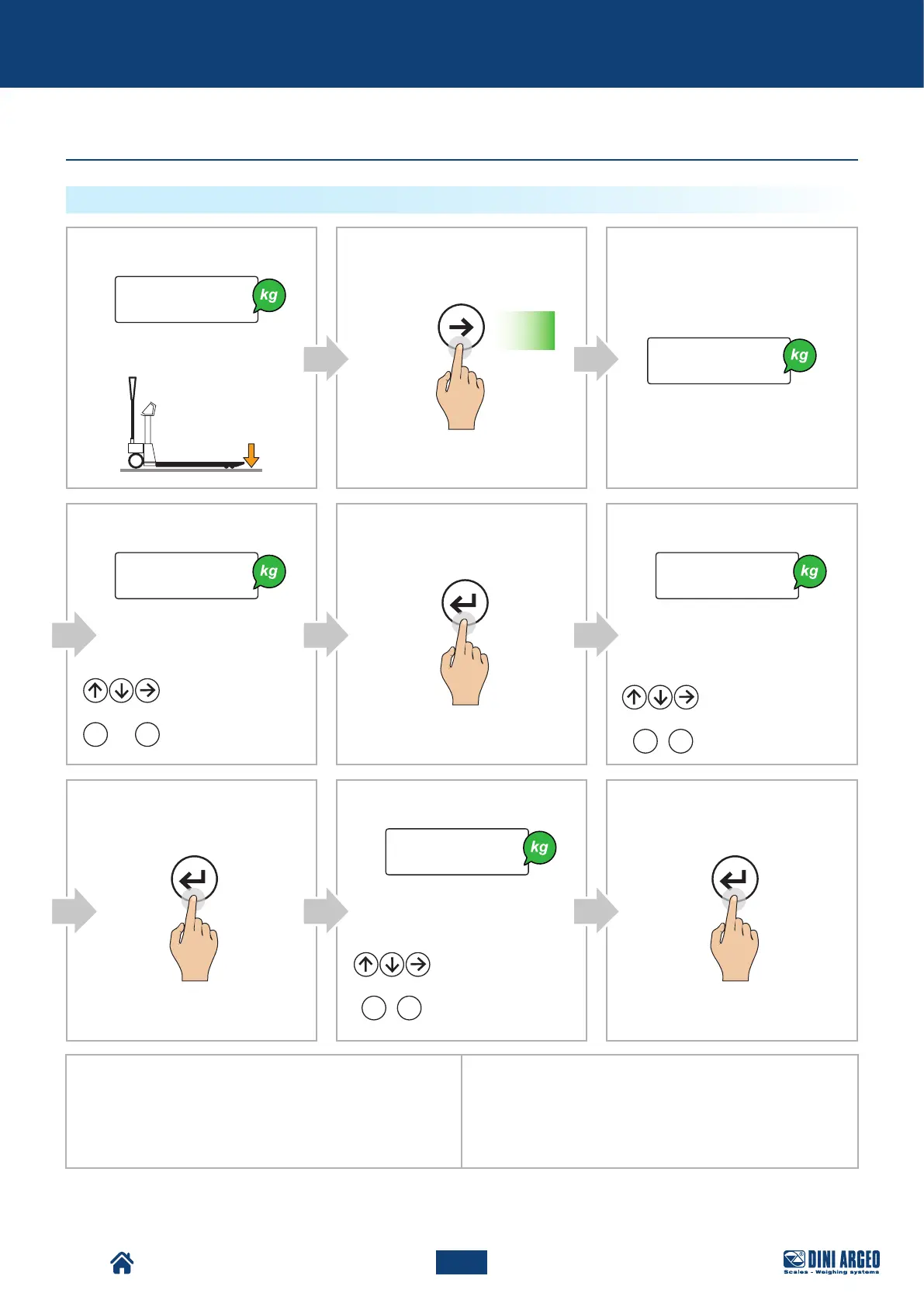
HOW TO START THE CHECK WITH KNOWN REFERENCE WEIGHT
Display:
Display:
Display:
Example 1:
To check a weight of 1000 g with +/- 5 g tolerance (that is,
between 995 g and 1005 g), set:
t01000
l00005
h00005
Example 2:
To check a weight of 500 g with
+/- 10 g / -20 g tolerance (that is, between 480 g and 510 g), set:
t00500
l00020
h00010
Display:
Pallet Truck Condition:
Display:
Press for
2 s
Enter the higher tolerance:
Enter the lower tolerance:
Increase / Decrease
the value
Enter the value
Manually set the value:
Increase / Decrease
the value
Enter the value
or
or
Increase / Decrease
the value
Enter the value
or



 To Next Page