7
©
1999 Directed Electronics, Inc.
Shock Sensor Adjustment
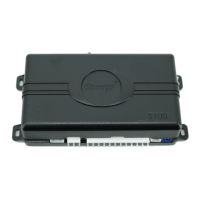
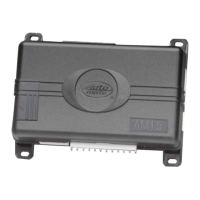
The system features a Doubleguard
®
shock sensor inside the control
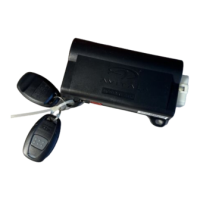
unit. All adjustments to the sensor are made using the transmitter.
1. Disarm the system by pressing on the transmitter.
2. Within five seconds, press and hold on the transmitter
until the unit generates a long chirp.
3. Release on the transmitter.
Strike the vehicle to test the current setting. If the impact is
detected the unit will chirp three times.
■ If the current setting is acceptable, do nothing and the unit
will exit shock sensor adjustment mode.
■ If the current setting is unacceptable, press to decrease
the sensitivity or to increase the sensitivity. Each time
is pressed, the unit will emit one chirp and the sensitiv-
ity is decreased one step. Each time is pressed, the unit
will emit two chirps and the sensitivity will be increased one
step. There are 16 possible settings. When the maximum or
minimum setting (Warn-Away
™
off) is achieved, the siren will
emit a long chirp.
To Test and Adjust the Current Warn-Away Setting
Adjusting the Shock Sensor Warn-Away




 To Next Page