52
DIRECTV HD DVR RECEIVER USER GUIDE
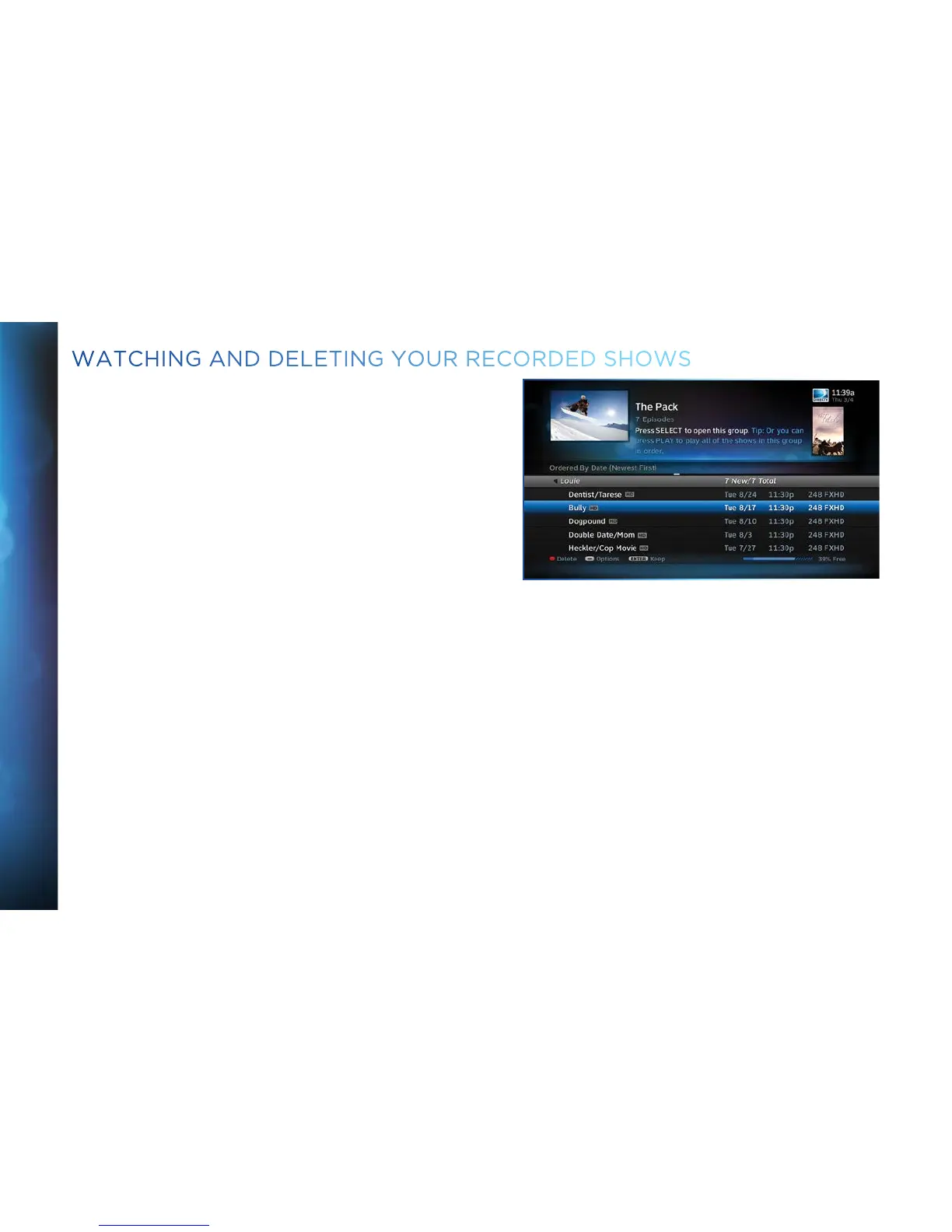
Press LIST on the remote to see a list of recorded shows. Or,
press MENU and select Recordings, then Playlist. Use the
arrow keys to highlight the desired show, press SELECT, then
select Play (or Resume if you’ve already watched part of the
show) to start the show.
You can use any of the DVR control buttons (PAUSE, FFWD,
REW, etc.) while watching your recorded show from select
channels. If you press STOP, the show will stop and an
information screen with various options will appear. The last
channel viewed in live TV will appear in the upper-left corner of
the screen. To return to full-screen live TV, press EXIT or
select Done.
WATCHING AND DELETING YOUR RECORDED SHOWS



 To Next Page