9393
PARENTAL CONTROLS
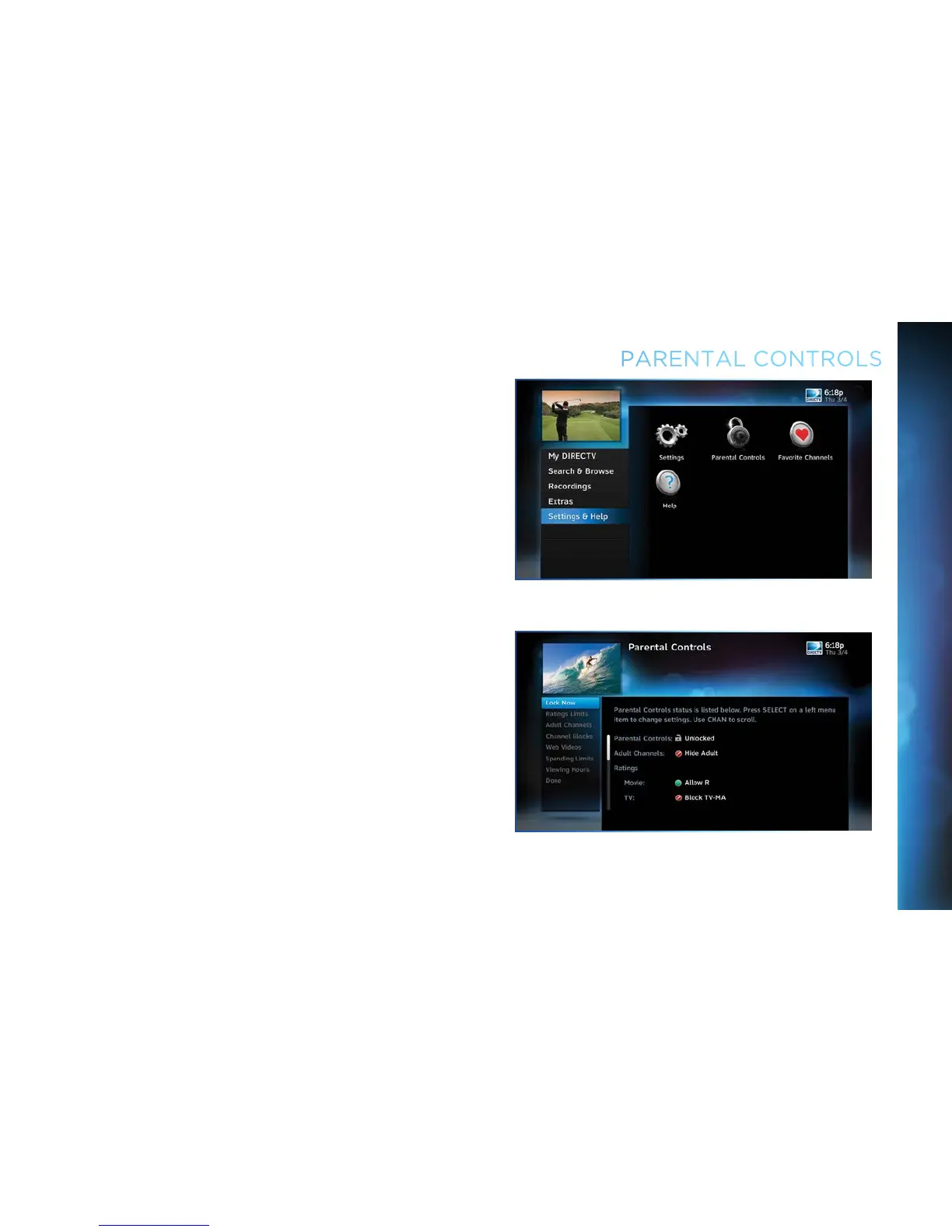
To review or update your Parental Controls settings, press
MENU, select Settings & Help, then Parental Controls. You can
also access Parental Controls by pressing INFO, then selecting
Parental, then Parental Controls.
Parental Controls enable restrictions to be placed on
programming as well as certain actions, and requires a
passcode to change the restrictions. Whether you want to block
access to mature content, limit spending amounts, or restrict the
number of TV viewing hours, you have total control for the whole
household. The system default is “unlocked” for all categories.
CHAPTER 6 - SETTINGS & HELP



 To Next Page