8585
Preferences
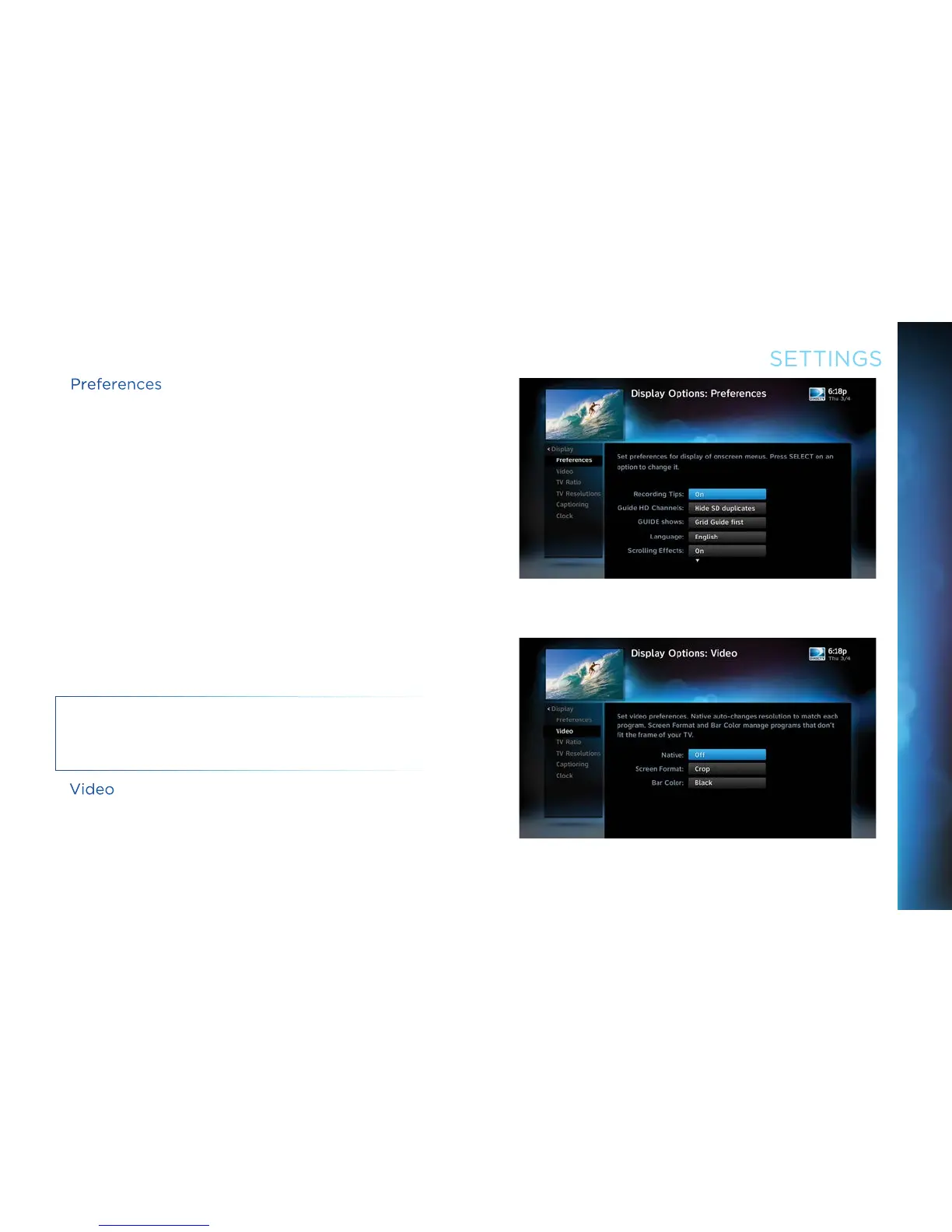
These are user interface display settings which include:
Recording Tips: Turn On or Off helpful tips that display onscreen
whenever you schedule a recording.
Guide HD Channels: Choose whether you want the Guide to show
HD channels and their duplicate SD channels or to hide the SD
duplicates.
Guide shows: Select whether you want the first press of the
GUIDE button to take you directly to the Program Guide or to go to
the category filter first.
Language: Select your preferred onscreen text language.
Scrolling Effects: Turn scrolling effects ON or OFF. This affects
the appearance of large text areas when they scroll.
Banner Time: Set the Channel Banner time to determine how
quickly the banner disappears after moving to a new channel.
NOTE: To change your screen format and resolution temporarily,
press INFO on your remote, select Audio/ Video from the Channel
Banner and select Change Resolution & Format.
Video
Set your preference for the following screen options: Native,
Screen Format and Bar Color.
Native: You can turn Native Mode ON or OFF. When Native Mode
is ON, your TV auto-changes to match the resolution of the
SETTINGS
CHAPTER 6 - SETTINGS & HELP



 To Next Page