15
TROUBLESHOOTING
PROBLEM: Light at the top of the remote blinks when you
press a key, but the component does not respond.
SOLUTION 1: Try replacing the batteries (see page 8).
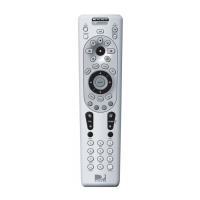
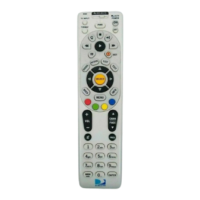
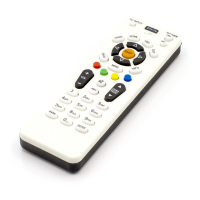
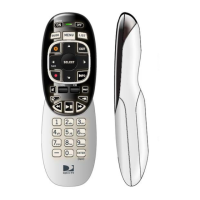
SOLUTION 2: Make sure you are aiming the DIRECTV
®
Uni-
versal Remote Control at your home entertain-
ment component and that you are within 15 feet
of the component you are trying to control.
PROBLEM: The DIRECTV Universal Remote Control does
not control component or commands are not
recognized properly.
SOLUTION: Try all listed codes for the device brand being
set up. Make sure all components can be oper-
ated with an infrared remote control.
PROBLEM: TV/VCR combo does not respond properly.
SOLUTION: Use the VCR codes for your brand. Some com-
bo units may require both a TV code and a VCR
code for full operation (see page 12).
PROBLEM: CHAN p, CHAN q, and PREV do not work
for your RCA TV.
SOLUTION: Due to RCA design for certain models (1983-
1987), only the original remote control will
operate these functions.
PROBLEM: Changing channels does not work properly.
SOLUTION: If original remote control required pressing
ENTER to change channels, press ENTER on
the DIRECTV Universal remote control after
entering a channel number.
PROBLEM: Remote control does not turn on Sony or Sharp
TV/VCR Combo.
SOLUTION: For power on, these products require setting up
TV codes on the remote control. For Sony, use
TV code 0000 and VCR code 0032. For Sharp,
use TV code 0093 and VCR code 0048.
Remote Control UG-Philips.indd 15Remote Control UG-Philips.indd 15 7/26/05 11:10:52 AM7/26/05 11:10:52 AM



 To Next Page