3
INTRODUCTION
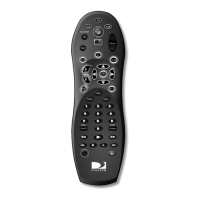
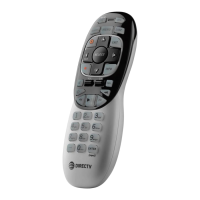
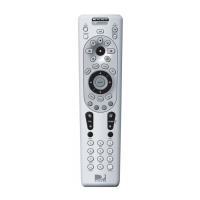
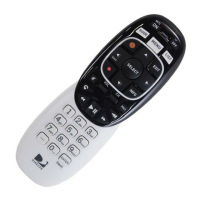
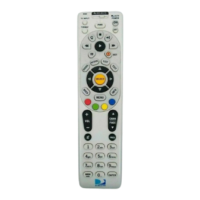
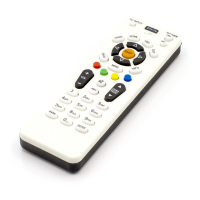
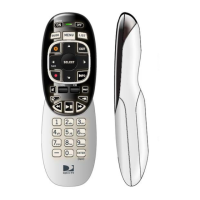
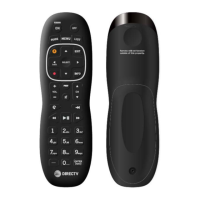
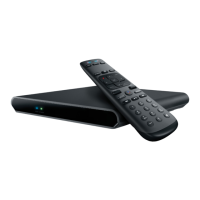
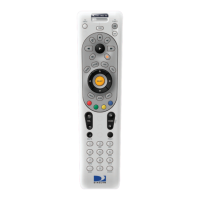
Congratulations! You now have an exclusive DIRECTV
®
Universal Remote Control that will control four com-
ponents, including a DIRECTV Receiver, TV, and two
stereo or video components (for example, a DVD, stereo,
or second TV). Moreover, its sophisticated technology
allows you to consolidate the clutter of your original
remote controls into one easy-to-use unit that’s packed
with features such as:
• Four-position MODE slide switch for easy component
selection
• Code library for popular video and stereo components
• Code search to help program control of older or dis-
continued components
• Memory protection to ensure you will not have to re-
program the remote when the batteries are replaced
Before using your DIRECTV Universal Remote Control,
you may need to program it to operate with your particu-
lar component. Please follow the instructions detailed in
this guide to set up your DIRECTV Universal Remote
Control so you can start enjoying its features.
Remote Control UG-Philips.indd 3Remote Control UG-Philips.indd 3 7/26/05 11:10:46 AM7/26/05 11:10:46 AM



 To Next Page