9
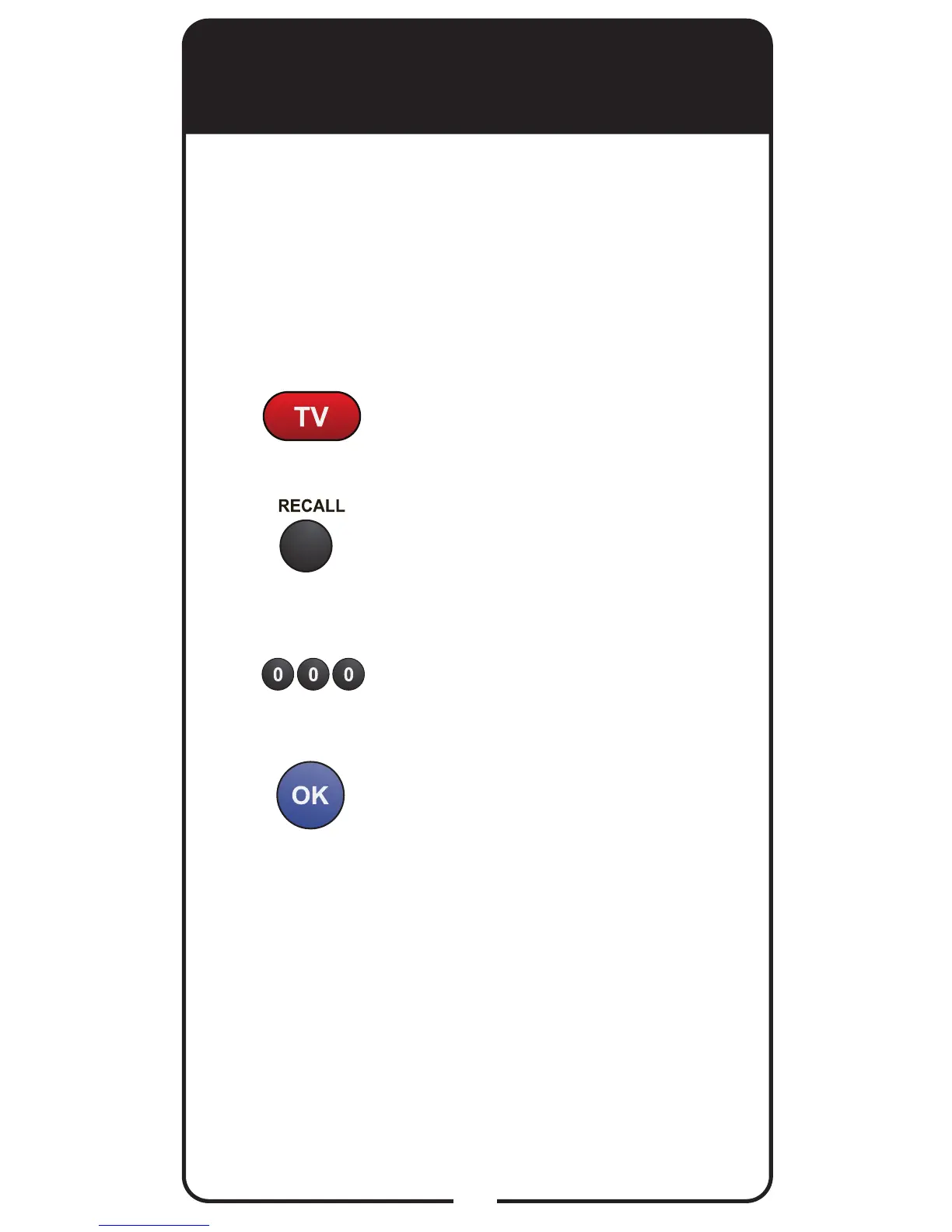
Disabling SAT Auto-Tune
Channel
Press and hold TV POWER until
red light comes on. Release TV
POWER.
Press and release RECALL.
Enter 000.
Press and release OK.
1
2
3
4
If you decide that you do not want the TV programmed
to the TV channel used for viewing your paid
programming, follow the steps below to disable SAT
Auto-Tune. This only needs to be done if you followed
the steps for Setting SAT Auto-Tune Channel on
page 8.












 To Next Page