6
Programming Remote to Control TV
(Automatically nding a TV code)
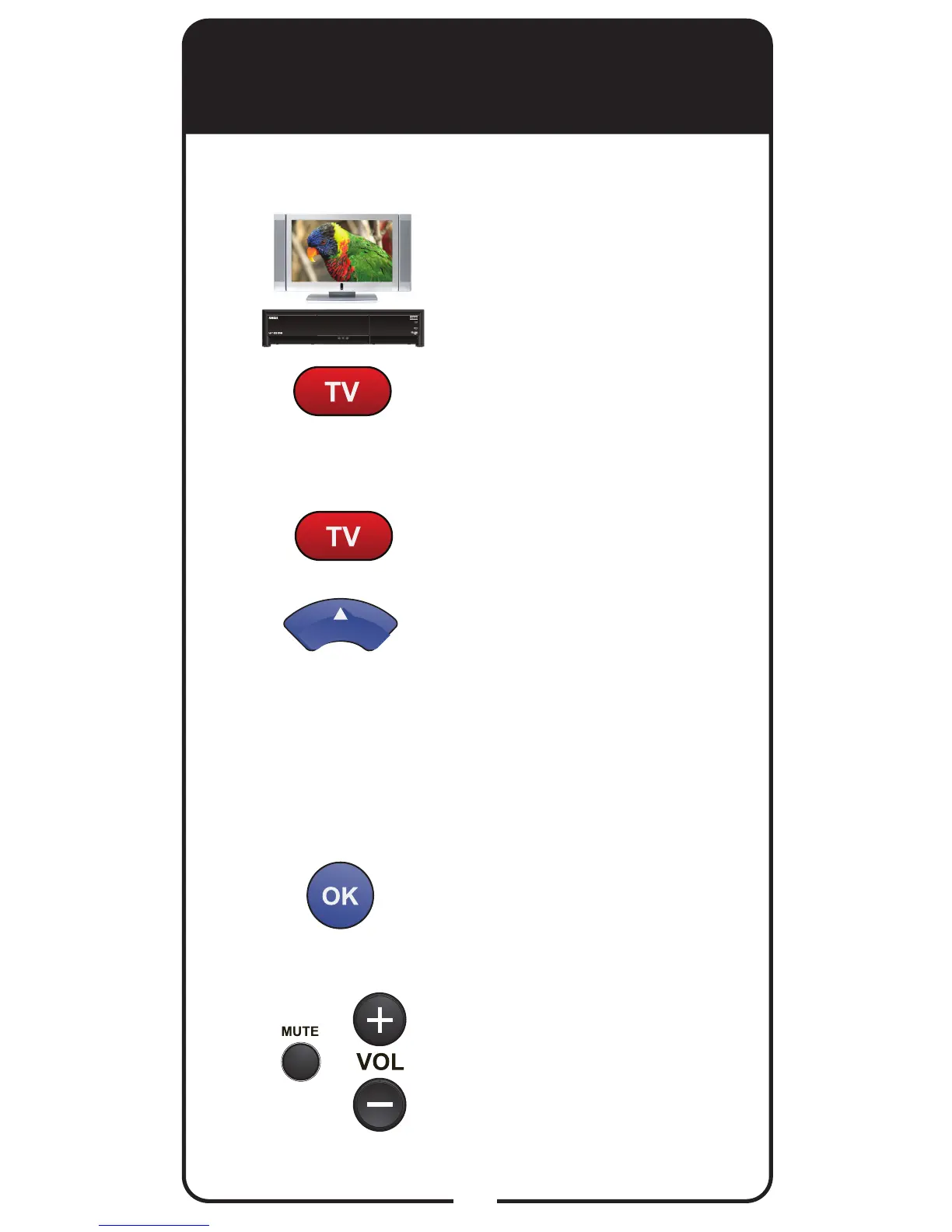
Turn TV and receiver on.
Press and hold TV POWER
until red light comes on.
Release TV POWER. Red
light blinks.
Press and release TV
POWER. Red light stays on.
Press and release UP
ARROW slowly. Red light
goes out and comes back on.
If the TV turns off, continue
to Step 5. If the TV remains
on, repeat this step until the
TV turns off. Point the remote
at the TV the entire time.
Press and release OK. Red
light blinks three times.
Press TV POWER to turn TV
on and try other buttons to
make sure the TV responds
the way you expect. If not, try
another code by returning to
Step 1.
1
2
3
4
5
6
Note: Only use Automatically nding a TV code if you
were unable to nd a code using Entering a TV code.












 To Next Page