Set Your TV Resolution
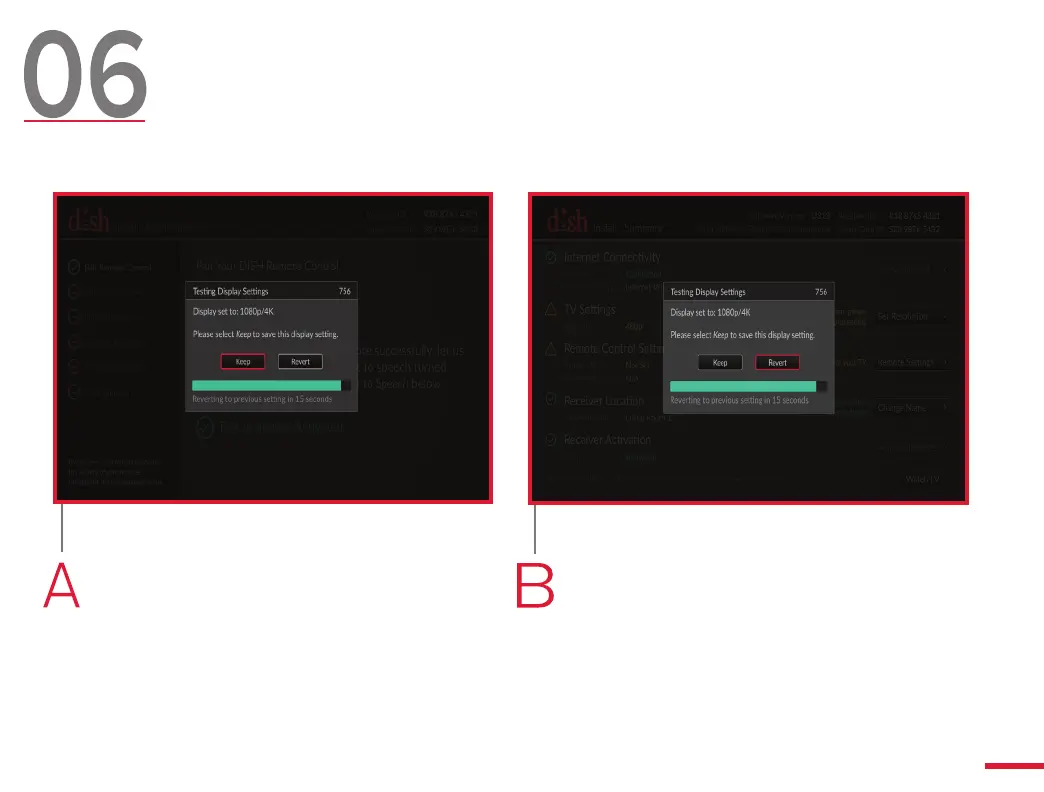
If the image onscreen looks clear
and correct, use your remote
control to highlight the “Keep”
button. Then, press SELECT.
If the image onscreen looks
incorrect, use your remote to
highlight the “Revert” button. Then,
press SELECT.
Depending on your TV, you may not see this screen.
If this screen does not appear, skip to step 7.
11



 To Next Page