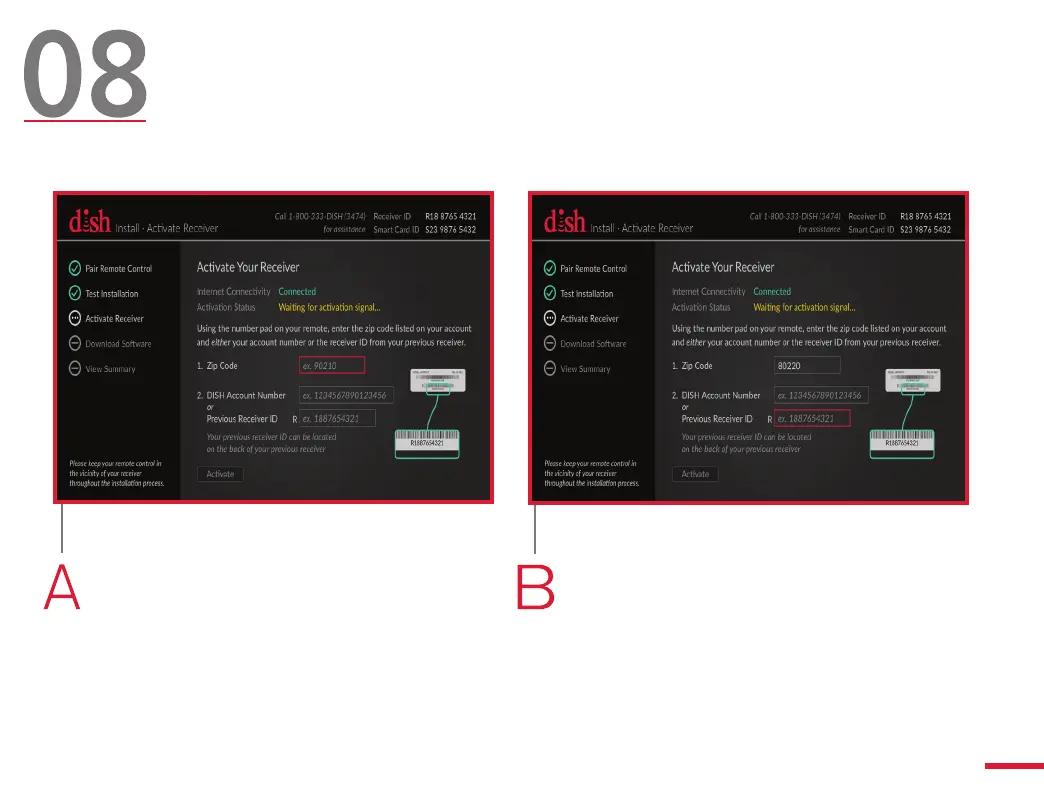
Activate Your Hopper
(Internet Connection)
Use your remote to highlight the
“Zip Code” field and press SELECT.
Then use the number pad on your
remote control to enter your ZIP
Code.
Use your remote control to highlight
either the “DISH Account Number”
field or the “Previous Receiver
ID” field. Then, press SELECT and
use the number pad to enter the
selected number.
If your Hopper is not connected to the Internet, skip to step 8E.
13



 To Next Page