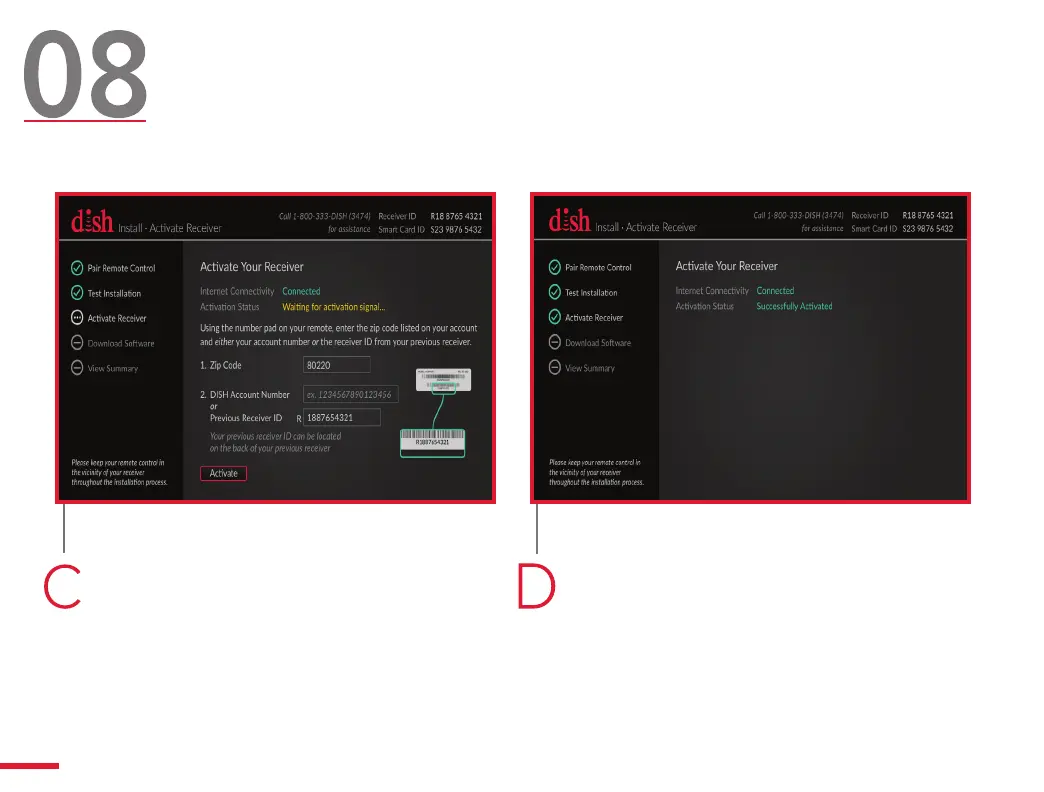
Use your remote control to
highlight the “Activate” button, and
then press SELECT.
Once activated, you will see a
screen confirming that you activated
your Hopper Duo successfully. The
Install Wizard will then advance to
the next screen automatically. Go to
step 9.
Activate Your Hopper
(Internet Connection)
14



 To Next Page