Remote Controls
77
Using Multi-channel Recall
USING MULTI-CHANNEL RECALL
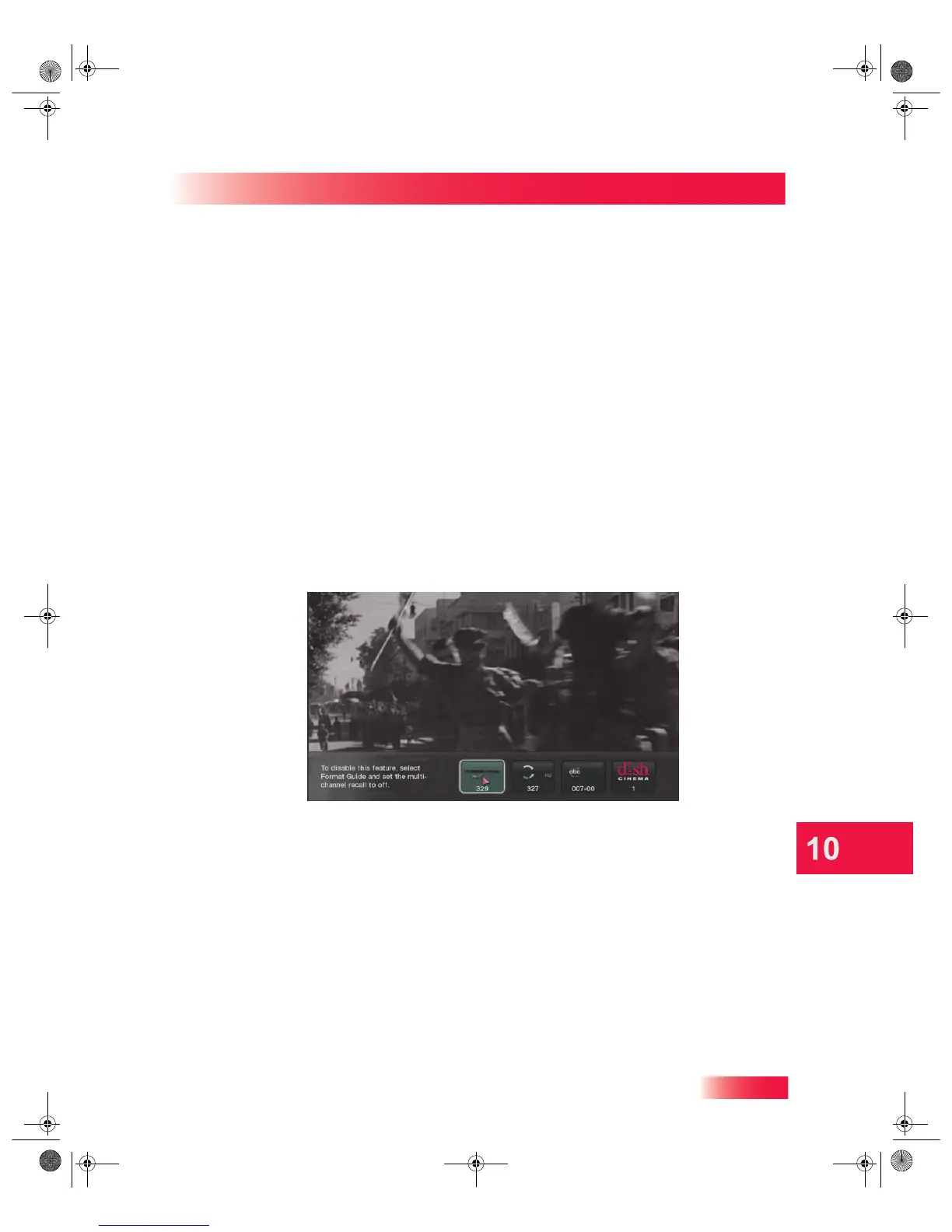
Another helpful feature to find the program you want to watch is channel RECALL. You
can quickly go back to a channel you were previously watching on your TV. Both your
Hopper with Sling HD DVR and Joey Receiver(s) support the multi-channel recall feature,
allowing easy access to the four most recent satellite channels you viewed on your TV.
To enable, change, or disable the multi-channel recall feature, do the following:
1 Press the MENU button on your remote control and select the Settings tile.
2 Select Guide Settings, and then Format Guide.
3 Under Multi-Channel Recall, select one of the following options:
• On. This is the default setting. Pressing the RECALL button on your remote allows
you to select any one of the four most recent channels you viewed on this receiver.
• On, immediate. Choose this setting if you want the RECALL button to change
immediately to the previous channel you viewed, but also display all four most recent
channels for you to choose from, as it does when the On option is set.
• Off. If you turn off the receiver’s multi-channel recall feature, the RECALL button
goes immediately to the previous channel you viewed. Older channels are not shown.
4 When you are finished changing these settings, highlight and select the Save option. If
you have made changes you do not want saved, press the remote’s CANCEL button.
913.book Page 77 Tuesday, January 15, 2013 4:57 PM



 To Next Page