9.
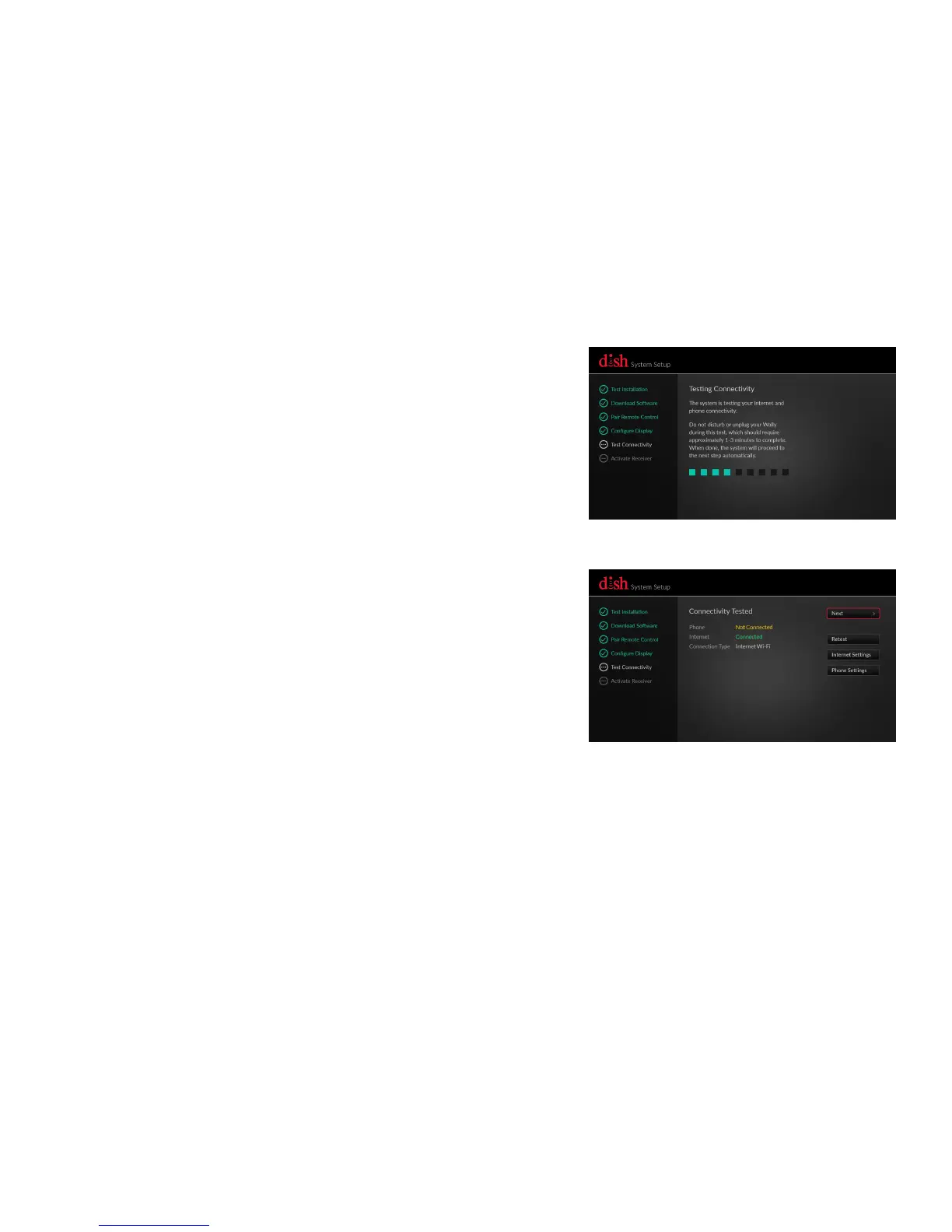
Testing Your Hopper Connectivity to the Internet
b.
Using the arrows on your remote control,
highlight "Next" and then press the
SELECT.
a.
Wait while your Wally tests the Internet
connectivity. This process will take 1-3
minutes to complete. When complete,
the System Setup Wizard will
automatically proceed to the next step.
If your Wally is using a wireless Internet
connection, follow the on screen steps to
chose your network and enter your password.










 To Next Page