1.
Labeling Your Cables (Cont’d)
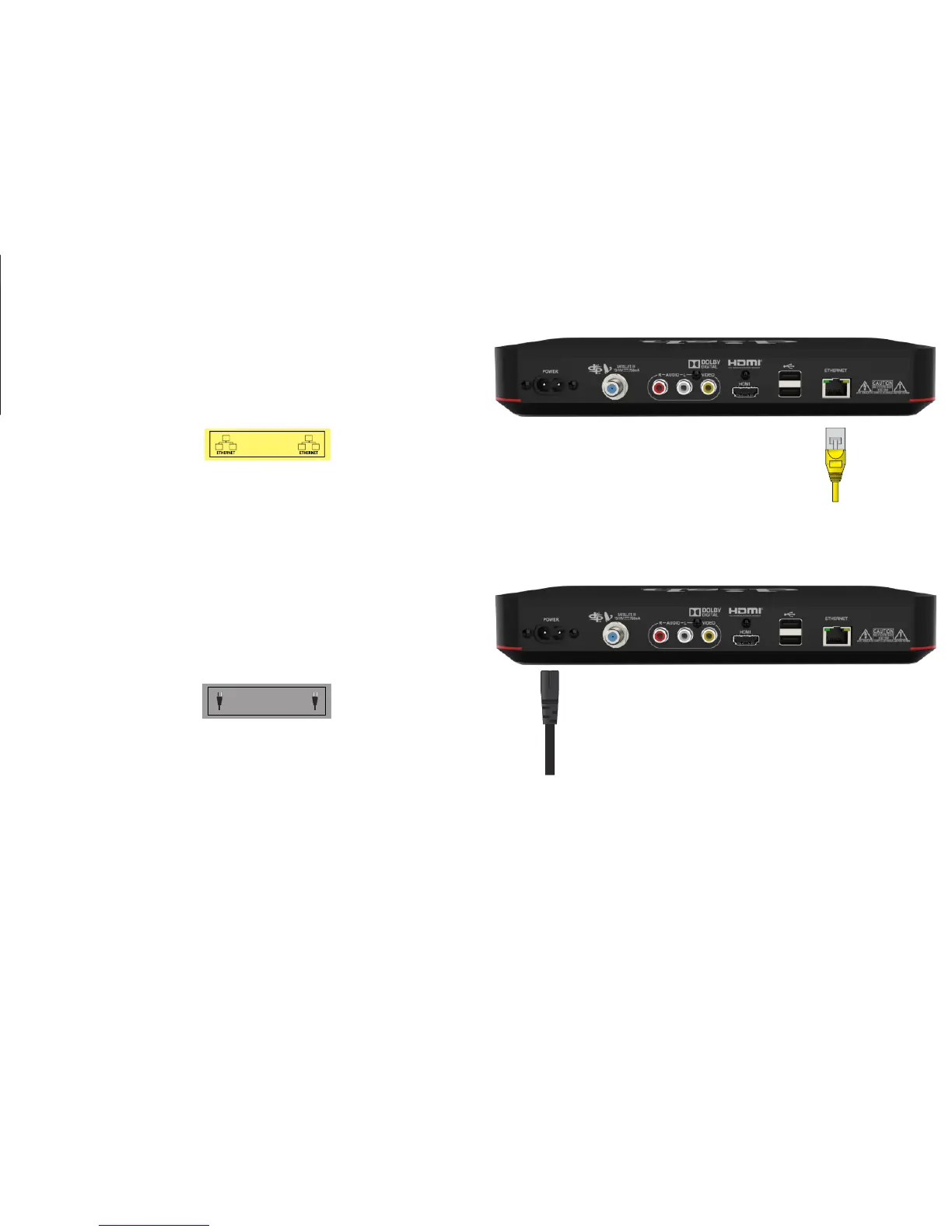
c. Attach the yellow label to the
cable connected to the "Ethernet"
port.
d.
Attach the gray label to the
power cord that came with
your new Wally.
2. Disconnecting Your Cables
Do not disconnect the cables from the wall or TV. Disconnect the cables from the
receiver being replaced. Only disconnect the cables at the end connected to the receiver.
a.










 To Next Page