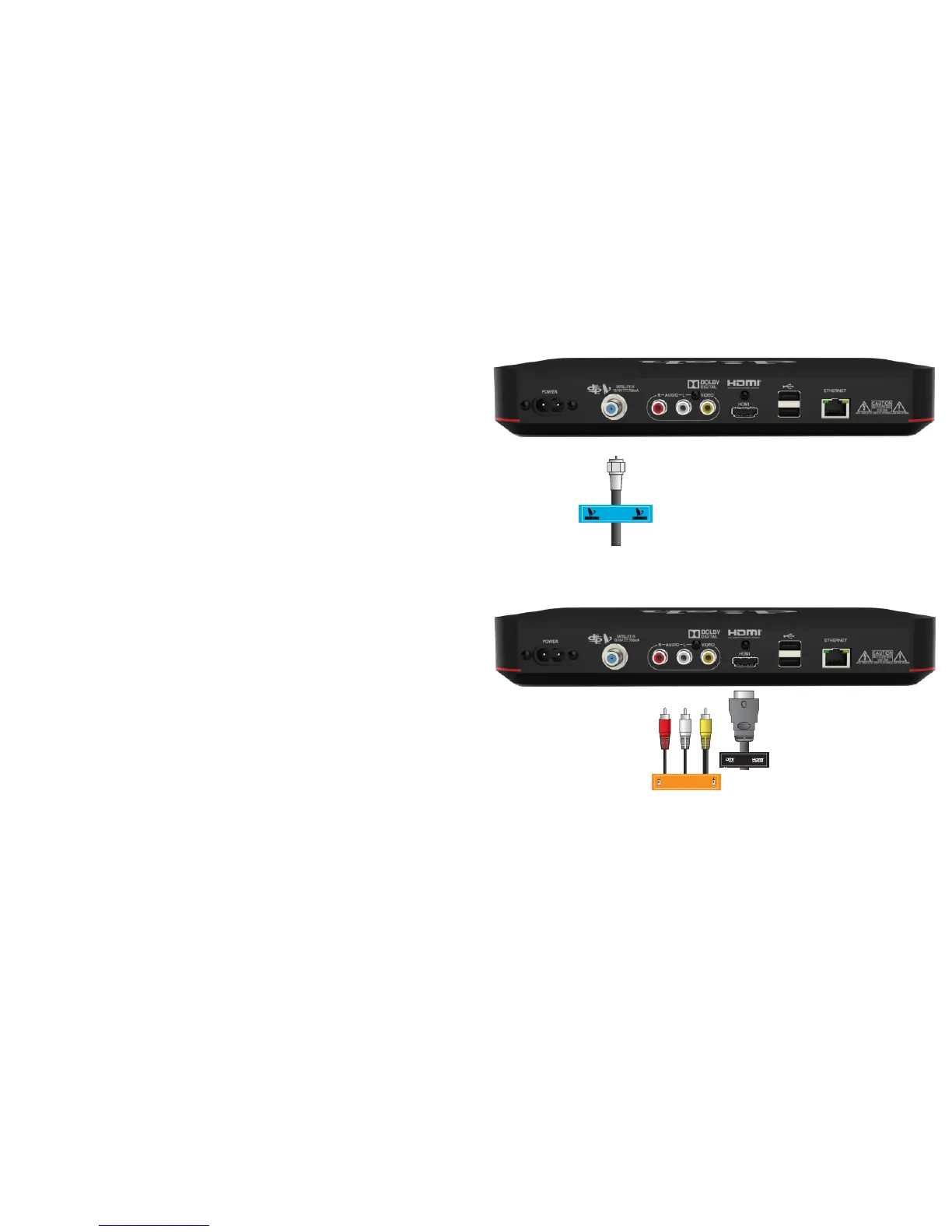
a.
Connect the Satellite In cable to
the "Satellite In" port on your
Wally.
b. Connect the HDMI cable, or RCA
cables from the TV to the
corresponding port(s) on the
replacement receiver.
RCA
COMPOSITE
RCA
COMPOSITE
3. Connecting the Cables to Your Replacement Receiver










 To Next Page