5.
Acquiring a Satellite Signal
b.
a.
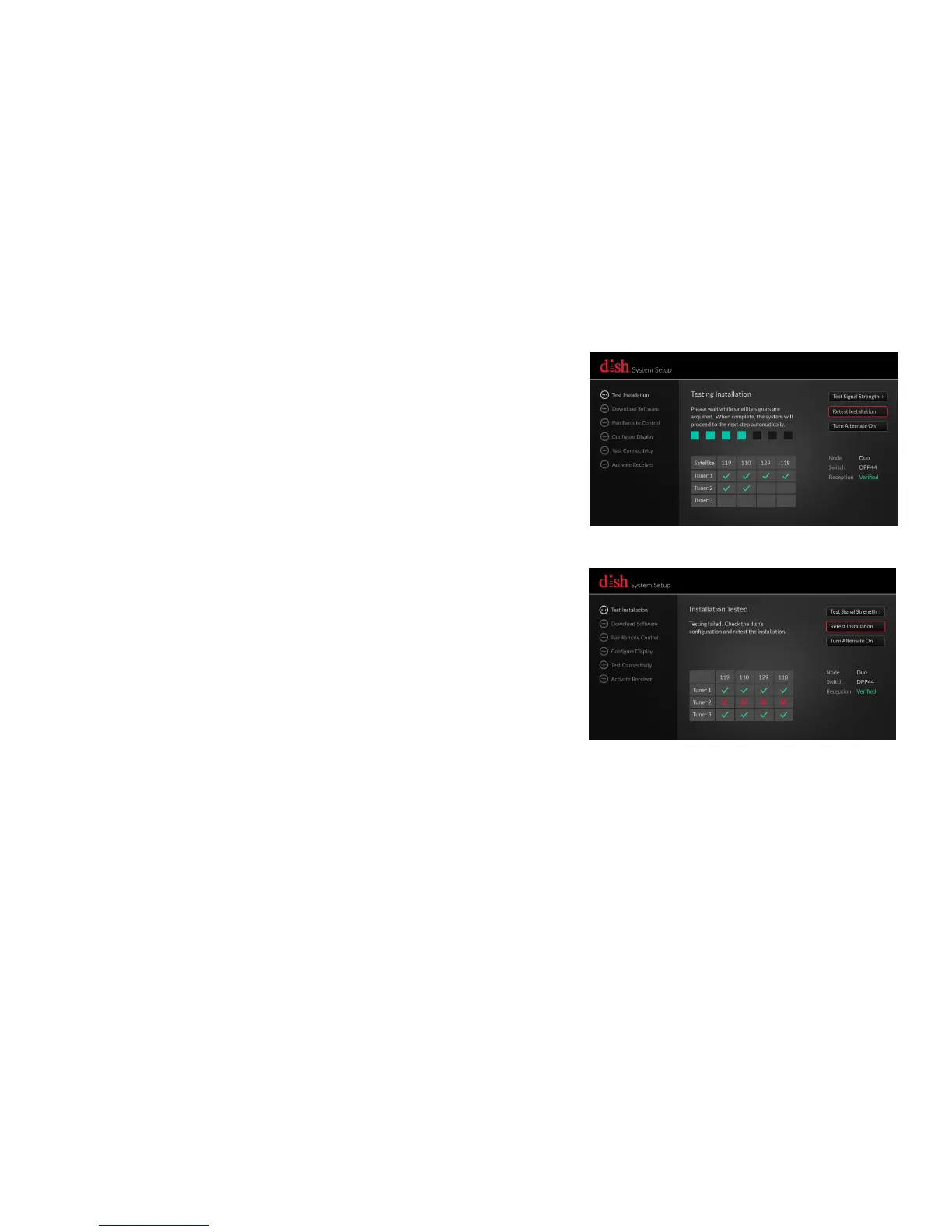
Wait while the satellite signals are
acquired. Once complete, the
system will proceed to the next step
automatically.
If you see red "Xs" in the installation
test box, make sure your "Home Video
Network" cable is connected to your
receiver and wall correctly. Then use
the arrow buttons on your remote
control to highlight "Retest
Installation," and press SELECT.










 To Next Page