1.
Labeling Your Cables
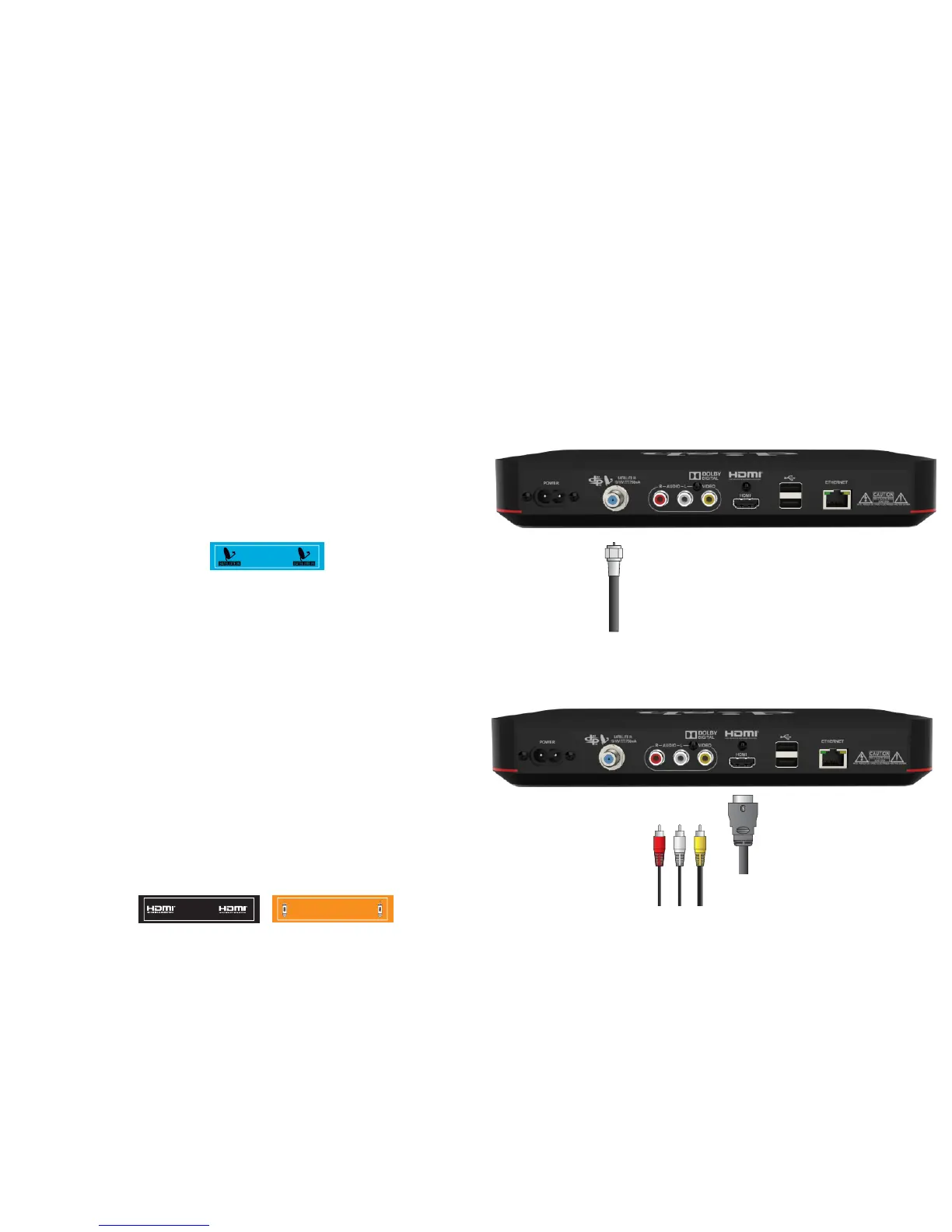
Use the labels provided to complete this step. Do not remove any cables from the receiver being
replaced until Step 2.
a.
Attach the blue label to the cable
connected to the “Satellite In”
port.
b.
Attach the black label to the cable
connected to the“HDMI” port or
attach the orange label to the
cables connected to the RCA ports.
You will be using either an
HDMI cable or RCA cables as
your audio/video connection.
RCA
COMPOSITE
RCA
COMPOSITE










 To Next Page