3.
Connecting the Cables to Your Replacement Receiver (Cont’d)
c.
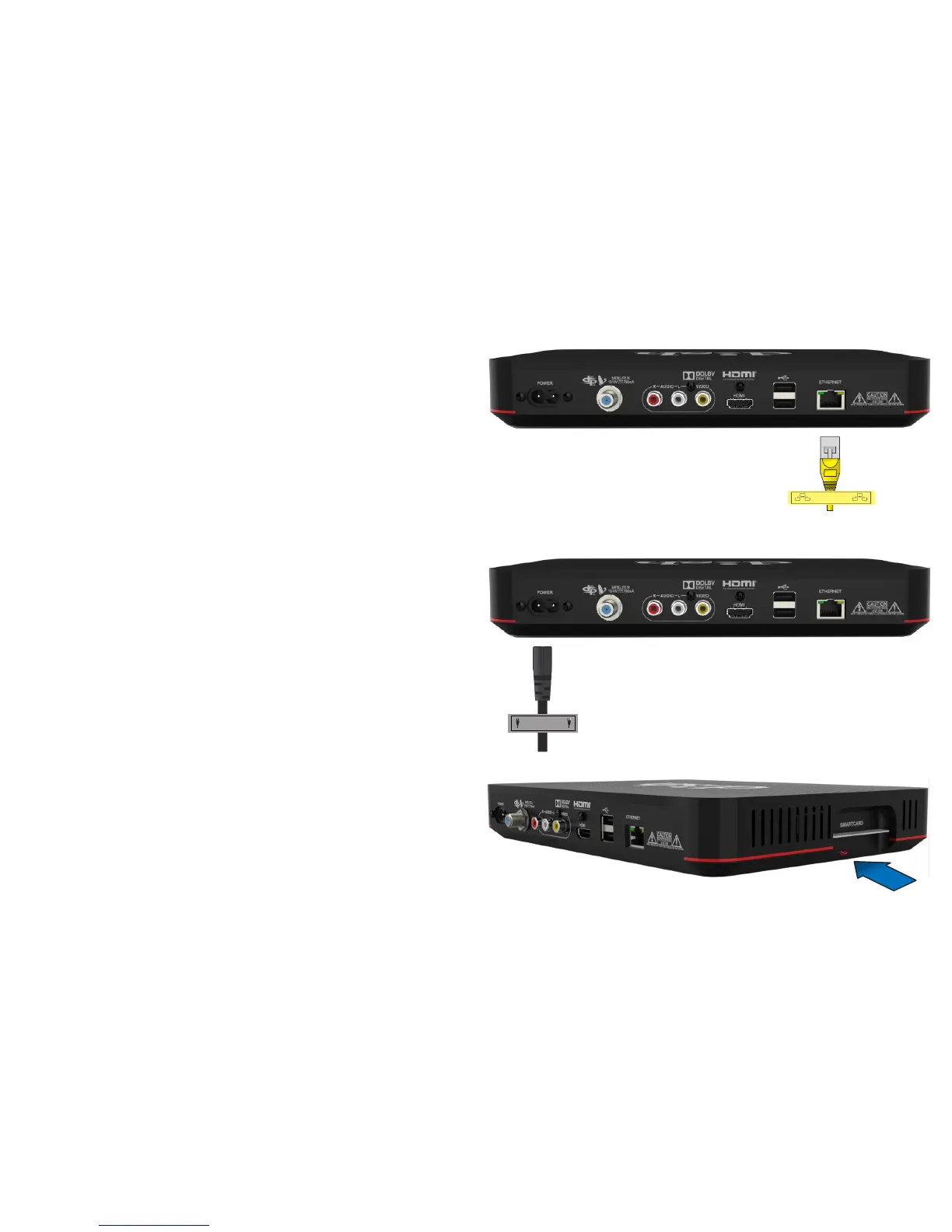
Connect the Ethernet cable to the
"Ethernet" port on the
replacement receiver.
You may not have this cable.
e. Open the panel on the side of
the new receiver and make
sure the Smart Card is
secured firmly in the slot.
Not all receivers will have a Smart Card.
If your receiver does not have a Smart
Card, go to Step 4.
d.
Connect the power cord that
came with your Wally to the
"Power" port on your Wally.










 To Next Page