The Home Hub brings everything together in one place.
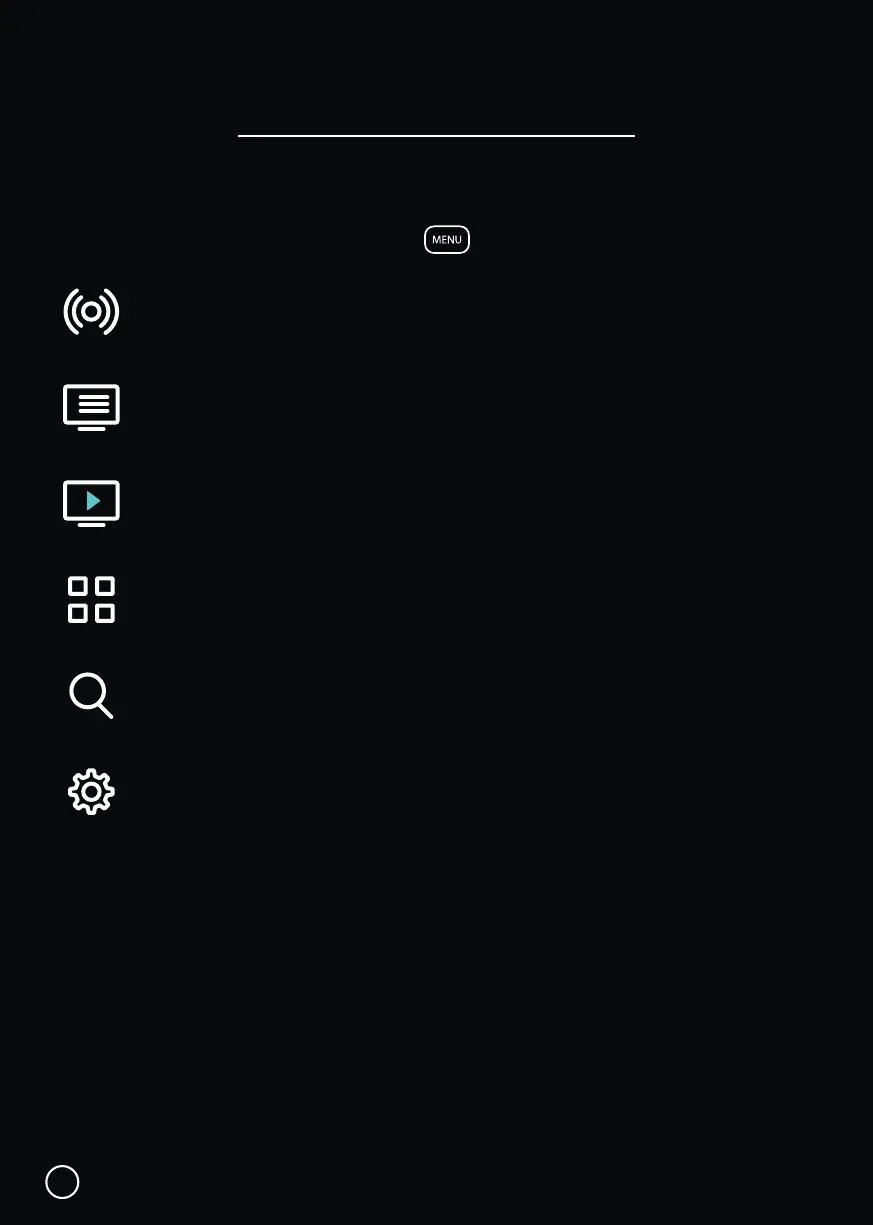
While watching Live TV, press the MENU button to open the Home Hub Menu.
Live TV: Access Freeview Live TV channels.
TV Guide: Browse what’s on across the next eight days.
On Demand: Access content from TVNZ, ThreeNow and Māori TV.
Apps: Access apps from Android TV home.
Search: Find Live TV & On Demand content.
Settings: Broadcast settings and help.
Just below the Home Hub icons, is a belt for Featured Shows on Freeview On Demand,
which are free to view.
Below that is a Featured Apps belt, with Apps you can choose to subscribe to.
Lastly, there is a Help belt that includes popular settings and queries.
Home Hub Menu
11


 To Next Page