Broadcasters work with organisations such as Able NZ to make the content you find on
Freeview as accessible as possible for all. This means they provide Audio Descriptions
as well as Subtitles for selected Movies and TV shows.
Audio Description
Audio Descriptions are helpful for those who are visually impaired, narrating the selected
Movie/TV show with what’s happening on screen in between spoken dialogue.
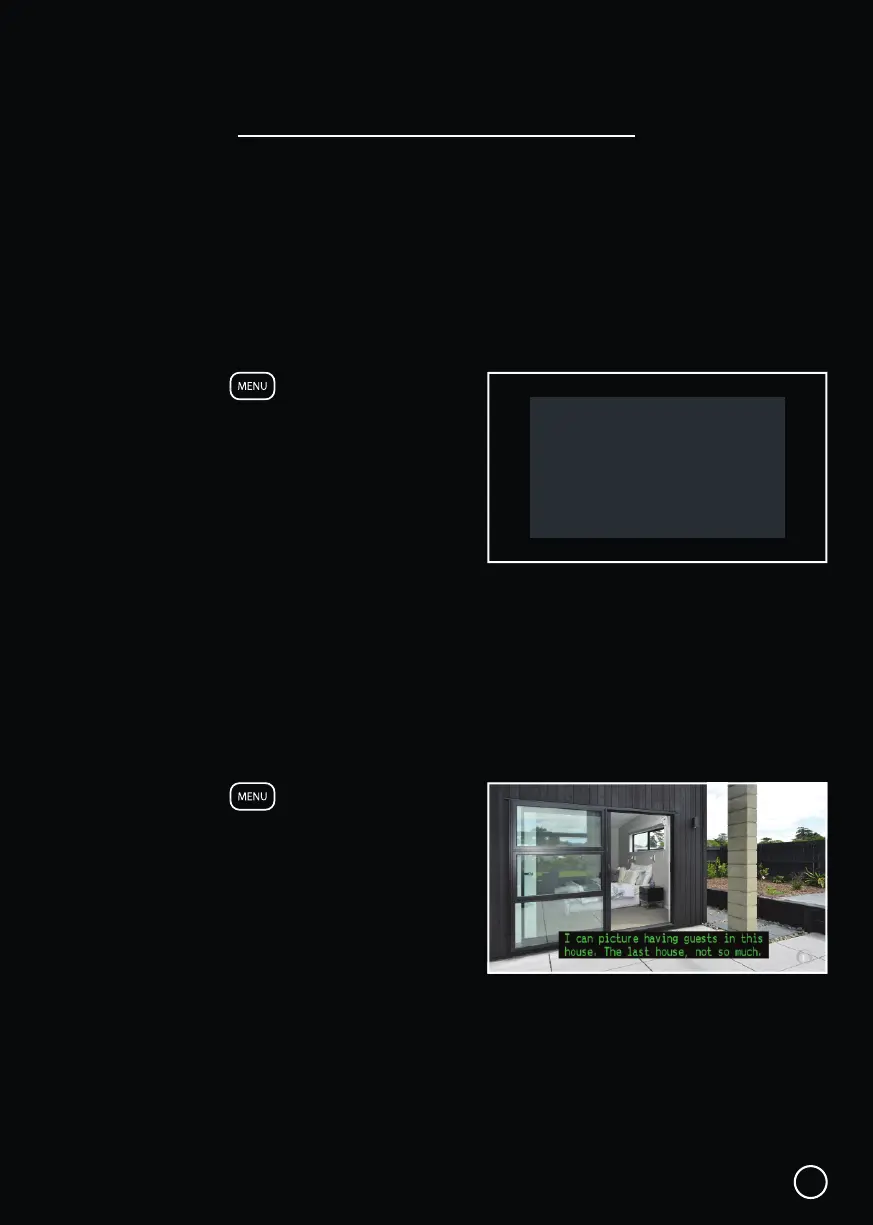
1. Press the MENU button to display
the Home Hub Menu.
2. Scroll ▼ DOWN to the Help section.
3. Select Audio Description, it will be OFF
by default.
4. Press OK to toggle Audio Description ON
and OFF.
Also see: Menu → Settings → Advanced Settings → Audio → Audio Description.
Subtitles
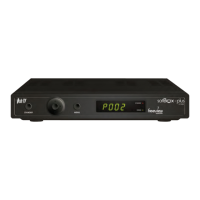
This feature is helpful to those who are hearing impaired, often a written rendering of the
dialog, displayed at the bottom of the screen.
1. Press the MENU button to display
the Home Hub Menu.
2. Scroll ▼ DOWN to the Help section.
3. Select Subtitles, it will be OFF by default.
4. Press OK to toggle Subtitles ON and OFF.
Also see: Menu → Settings → Advanced Settings → Video → Subtitles.
Audio & Subtitles
14
Audio Description
OFF


 To Next Page