Connecting the Bluetooth Remote
08
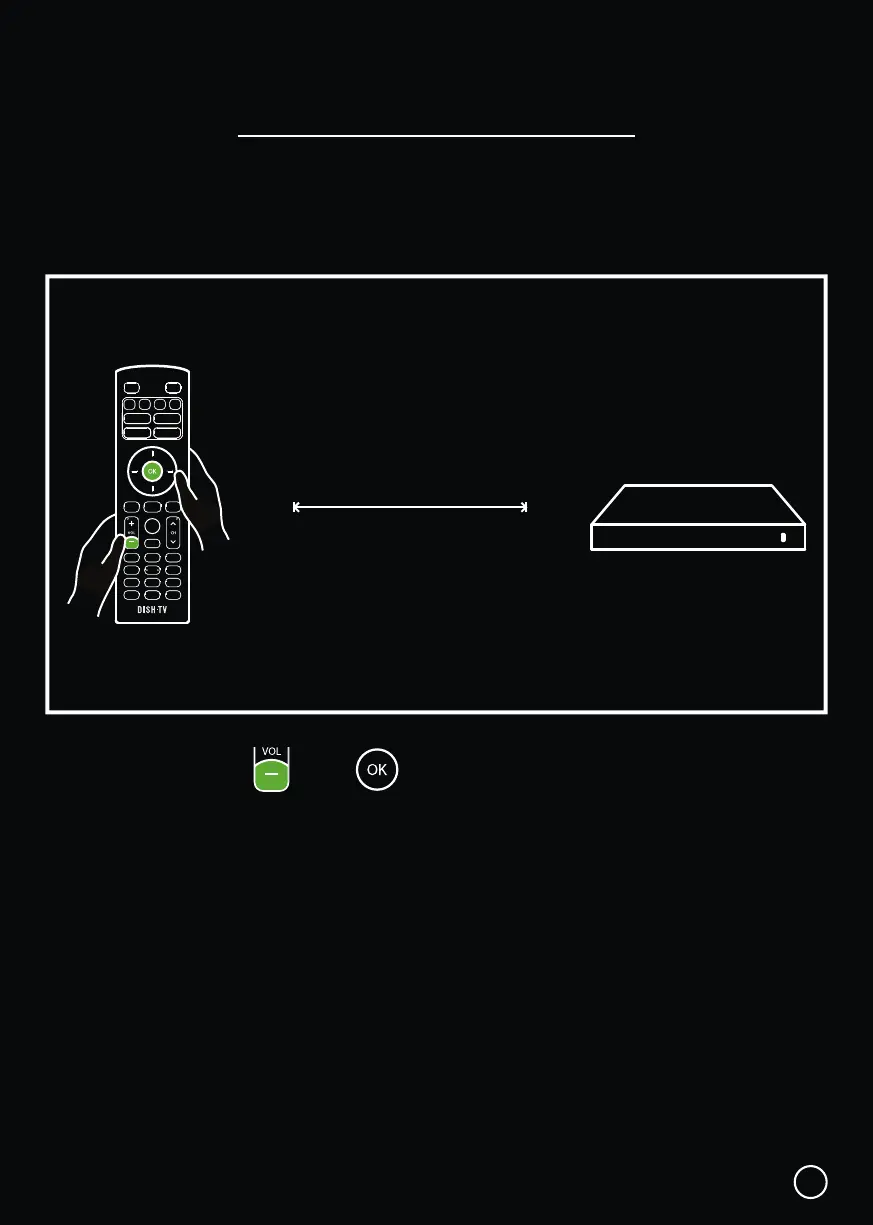
1. Press and hold the and buttons together.
2. When in pairing mode the LED indicator on the Remote will start flashing.
3. Release both buttons when the LED starts flashing.
4. Once the Remote has paired successfully, the LED turns off.
20cm
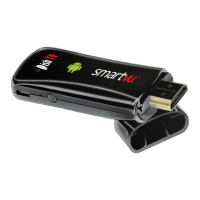
When prompted on-screen, please stand about 20cm away from the SmartVU+, to
connect the Bluetooth Remote.
TIP: Thanks to Bluetooth, you don’t have to point your Remote at the SmartVU+.
It will pick up your commands from anywhere in the room!


 To Next Page