Placement Tips
20
With long extended periods of use, the SmartVU+ will operate at temperature. This does
not affect the operation or overall performance of the SmartVU+. So to help ensure the
SmartVU+ operates as smooth as possible and to avoid damaging the SmartVU+, there
are several instructions outlined below. Please follow each of the installation instructions
carefully to help protect the SmartVU+ from malfunction.
DO NOT place the SmartVU+ and/or Remote Control in the following environments:
• Avoid locations exposed to direct sunlight, that risk the SmartVU+ overheating.
• DO NOT place the SmartVU+ near any heat source, such as other electronic devices.
• Avoid locations with high humidity, that risk contact with water or moisture.
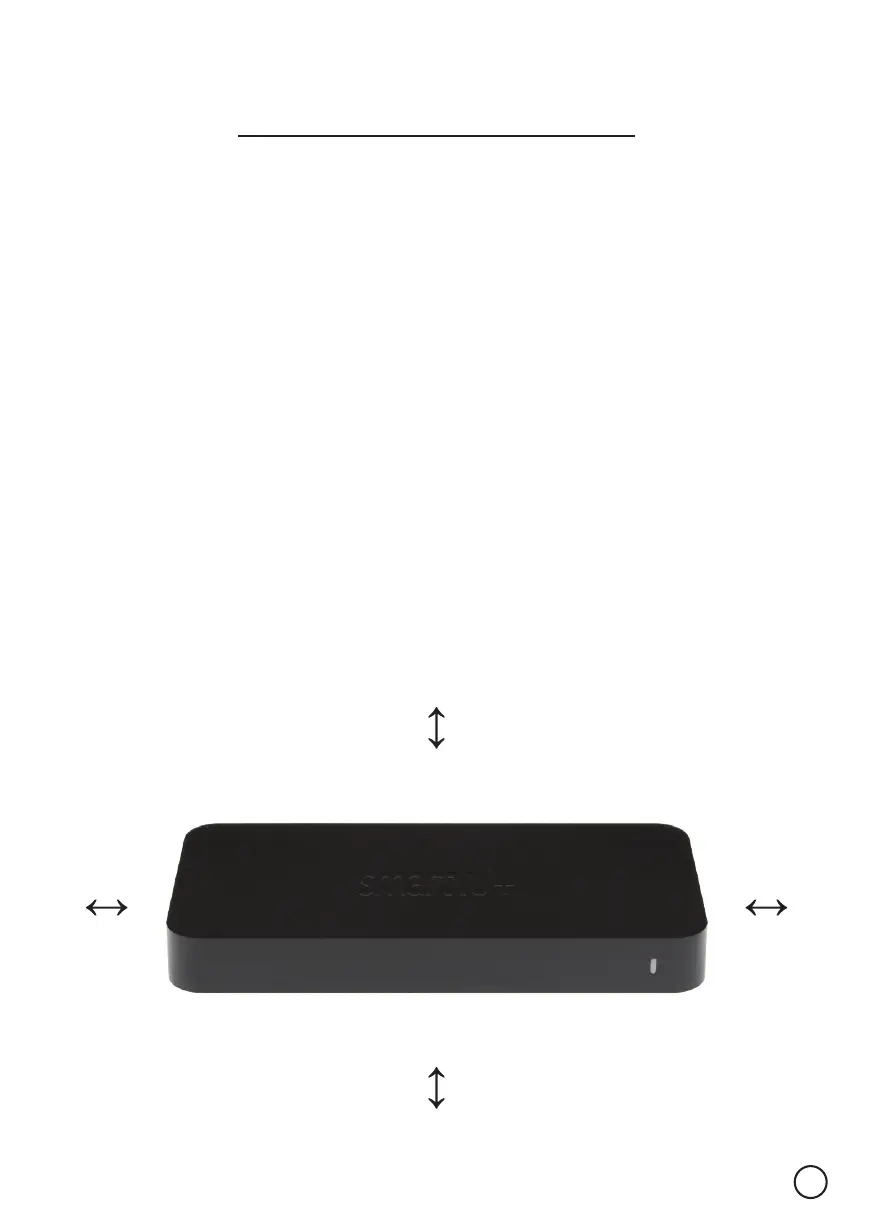
• Ensure there is a reasonable amount of ventilation space around the A7070.
• DO NOT place the SmartVU+ in a location with NO ventilation, such as a cupboard.
• Ensure the air vents on the SmartVU+ are not blocked or covered.
• Avoid locations where dust is prone to collect in large amounts.
Otherwise, this may result in fire, electric shock, malfunction or product deformation.


 To Next Page