Getting Connected
07
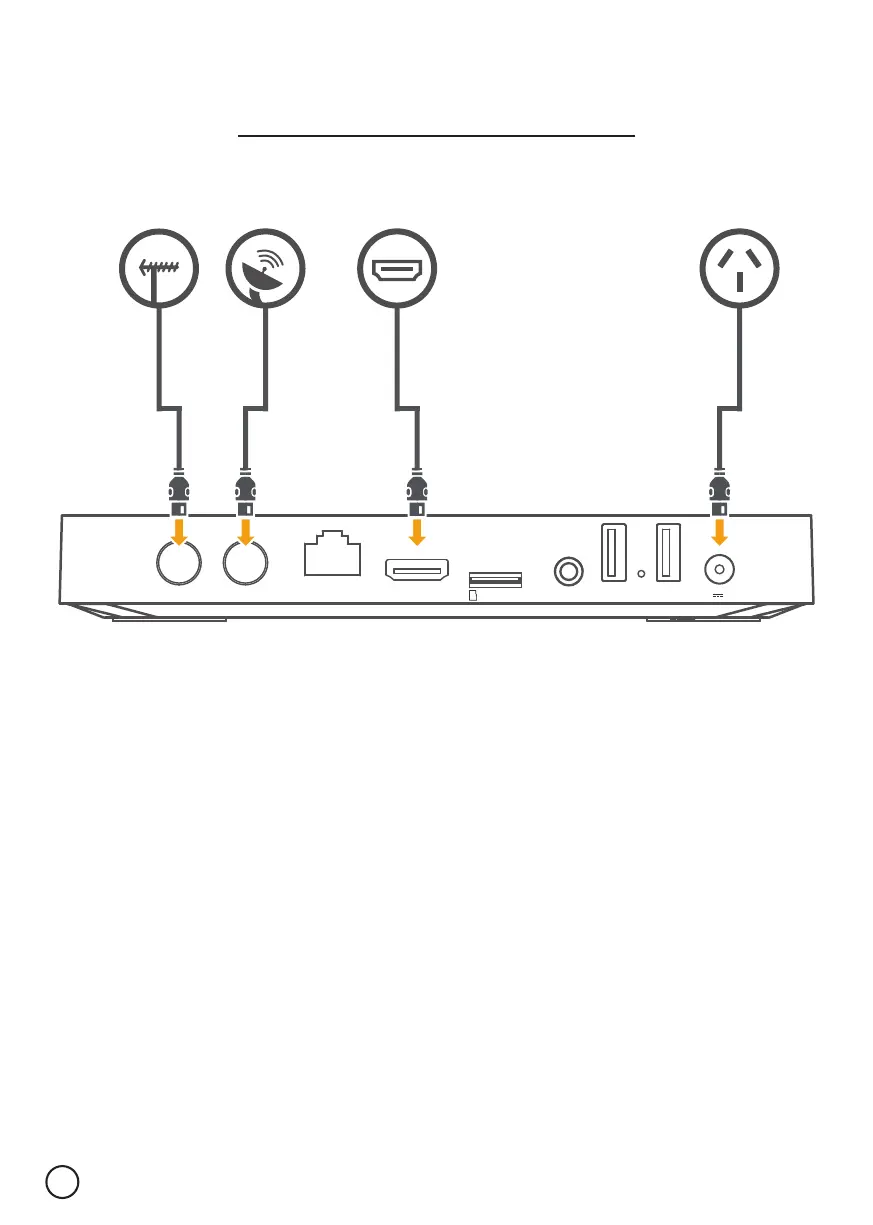
TF CARD USB USB
HDMILAN AVRF IN LNB IN
12V 1.5A
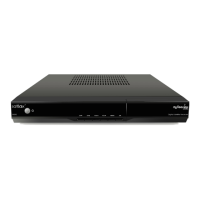
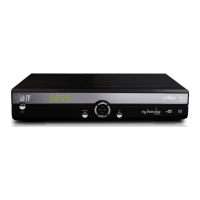
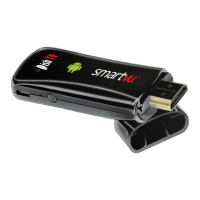
1. Connect the UHF Aerial or Satellite cable from your wall port to the SmartVU+.
2. Connect the HDMI cable from the SmartVU+ to an HDMI port on your TV.
3. Plug the SmartVU+ into a power socket and switch on at the wall.
4. Insert the batteries into the Bluetooth Remote.
5. Follow the on-screen instructions.
01.
TIP: If you have an Ethernet cable handy, connect your SmartVU+ directly to your
Modem/Router for a reliable broadband connection.
03.02.


 To Next Page