70 ECL-PTU-207 Preloaded Applications
Saving to Multiple Devices
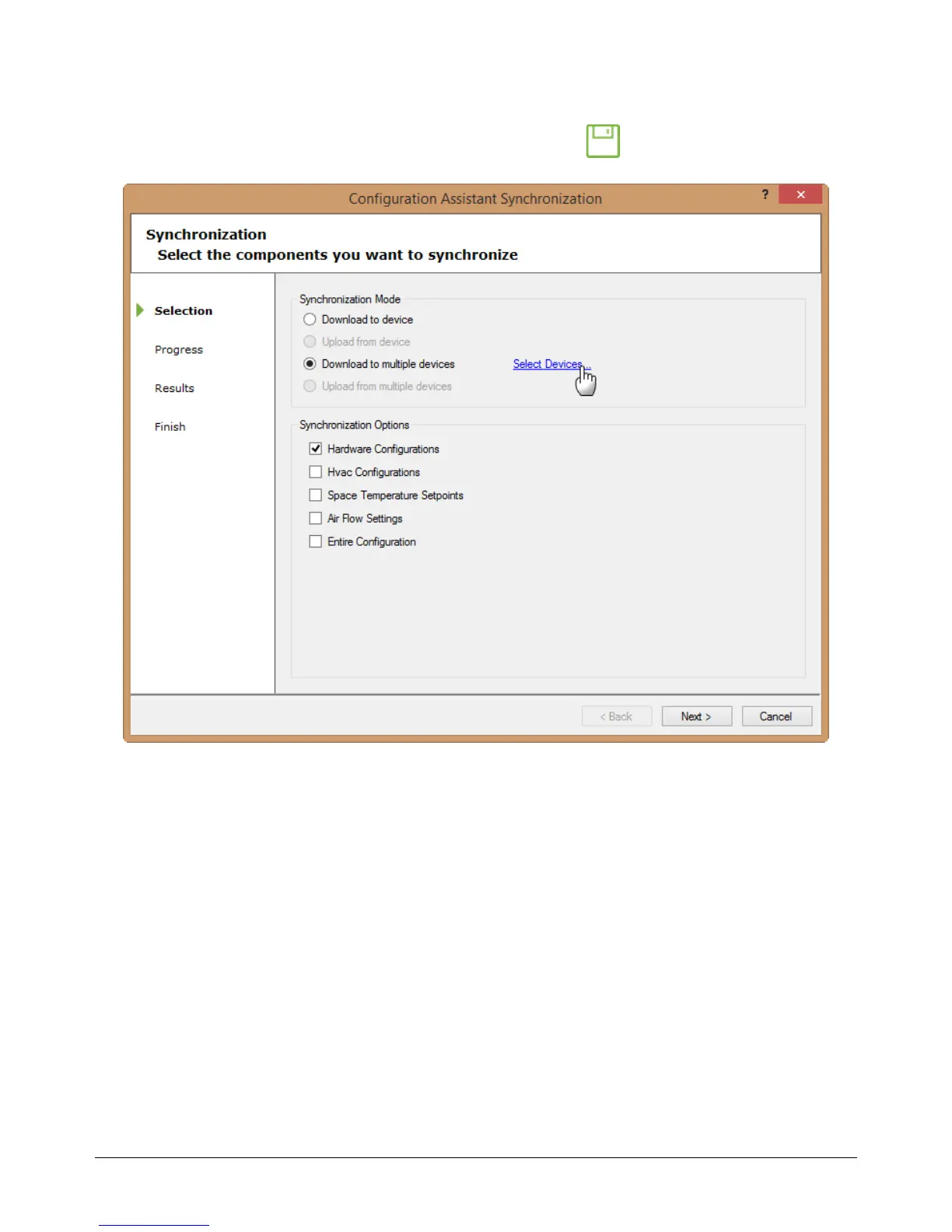
Save your settings to multiple devices by clicking on the save icon in the Configuration Assistant
menu ribbon. The Configuration Assistant Synchronization window will appear.
Figure46: Configuration Assistant Synchronization window
You must select the other devices you wish to save the current configuration to, as well as selecting
which parameters you wish saved to those controllers. Click next to advance and complete the
process.
Configuring the Preloaded Applications











 To Next Page