18 19
Realtime playback
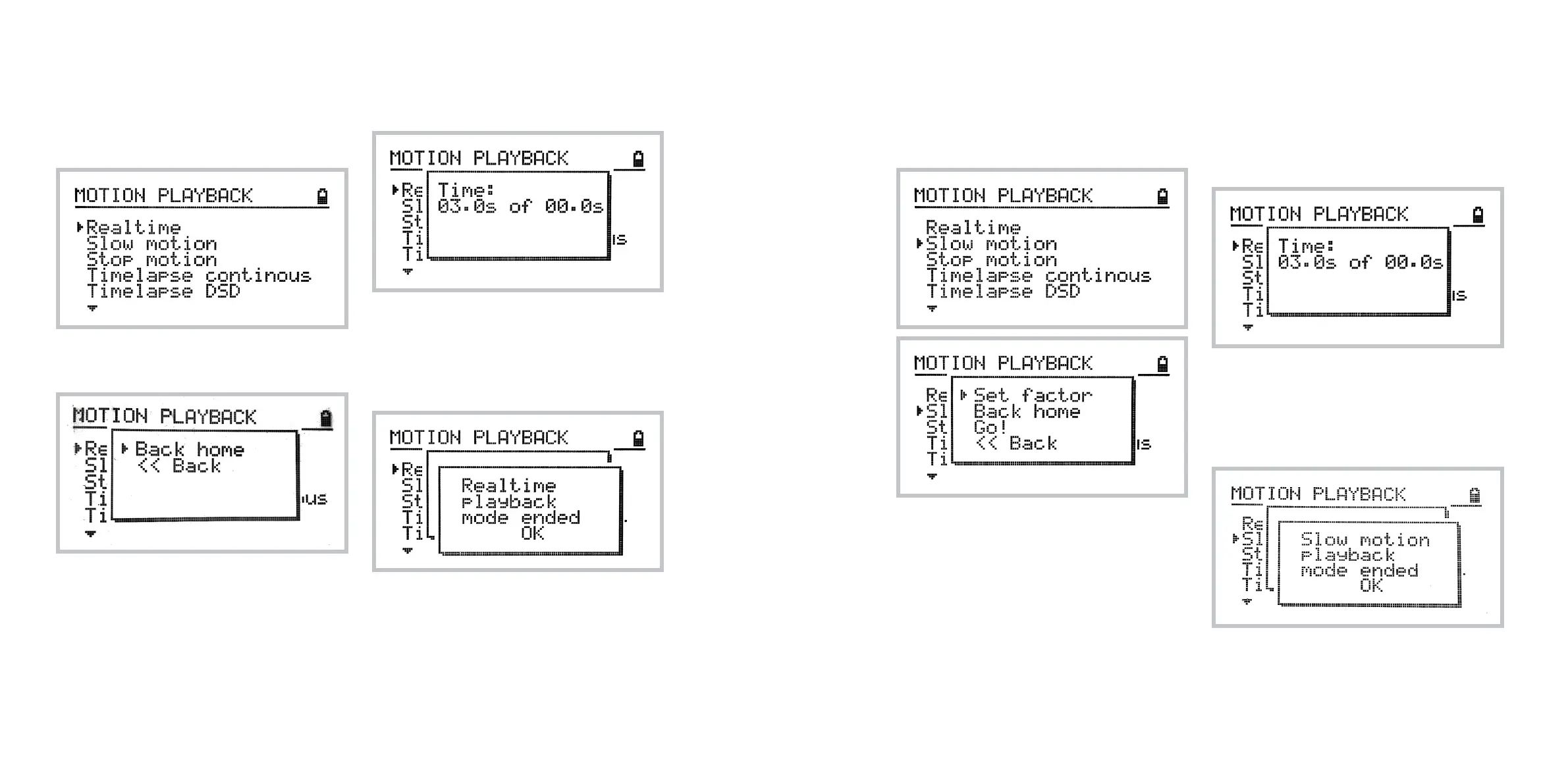
To play back recorded motion select
Home » Video » Motion Playback » Realtime
You will be prompted to get back to home position
and thereafter, the playback starts.
Playback progress is displayed on the following
screen:
Note: the emergency stop is triggered by pressing
the joystick.
The following screen confirms end of motion play-
back mode.
Slow motion playback
To access slow motion playback mode navigate to:
Home » Video » Motion Playback » Slow Motion
Set Factor option allows you to set the desired
stretch factor of the recording. The playback time
will be multiplied by an integer of your choice.
As soon as you are ready, select Back home and
the playback will be started thereafter.
Playback progress is displayed on the following
screen:
Note: the emergency stop is triggered by pressing
the joystick.
The following screen confirms end of motion play-
back mode.



 To Next Page