 Need help?
Do you have a question about the dji RC and is the answer not in the manual?
 General
| Brand | dji |
|---|---|
| Model | RC |
| Category | Remote Control |
| Language | English |
Explains keyword search, topic navigation, printing, legend, guides, and video tutorials.
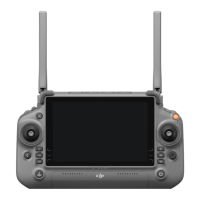
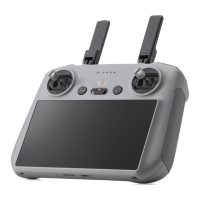
Overview of the DJI RC's technology, features like touchscreen, connectivity, storage, and environment reliability.
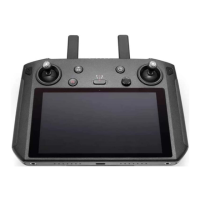
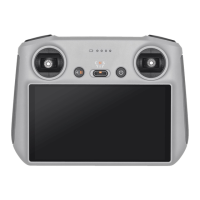
Details all physical buttons, dials, ports, LEDs, and the touchscreen for user reference.
Instructions for charging the battery and mounting the control sticks.
How to check battery level and power on/off the controller.
Steps to pair the remote controller with the aircraft.
Explains how control sticks operate the aircraft in different modes.
Details Cine, Normal, and Sport modes, and optimal transmission positioning.
Using dials for zoom, tilt, and controlling recording or focus/shutter.
Explains how to set functions for C1 and C2 buttons.
Meaning of Status LED and Battery Level LED blinking patterns.
How to manage alerts, including low battery warnings and RTH alerts.
Navigating the DJI Fly app home screen, Fly Spots, Academy, Album, and Profile.
Common gestures for navigating the interface, opening status, and quick settings menus.
Accessing notifications, system settings, Wi-Fi, Bluetooth, brightness, and volume.
Details on transmission systems, Wi-Fi, and Bluetooth protocols and frequencies.
Information on battery, storage, temperature ranges, and supported aircraft models.

 To Next Page