DMXking.com • JPK Systems Limited • New Zealand
0129-700-4.4
16
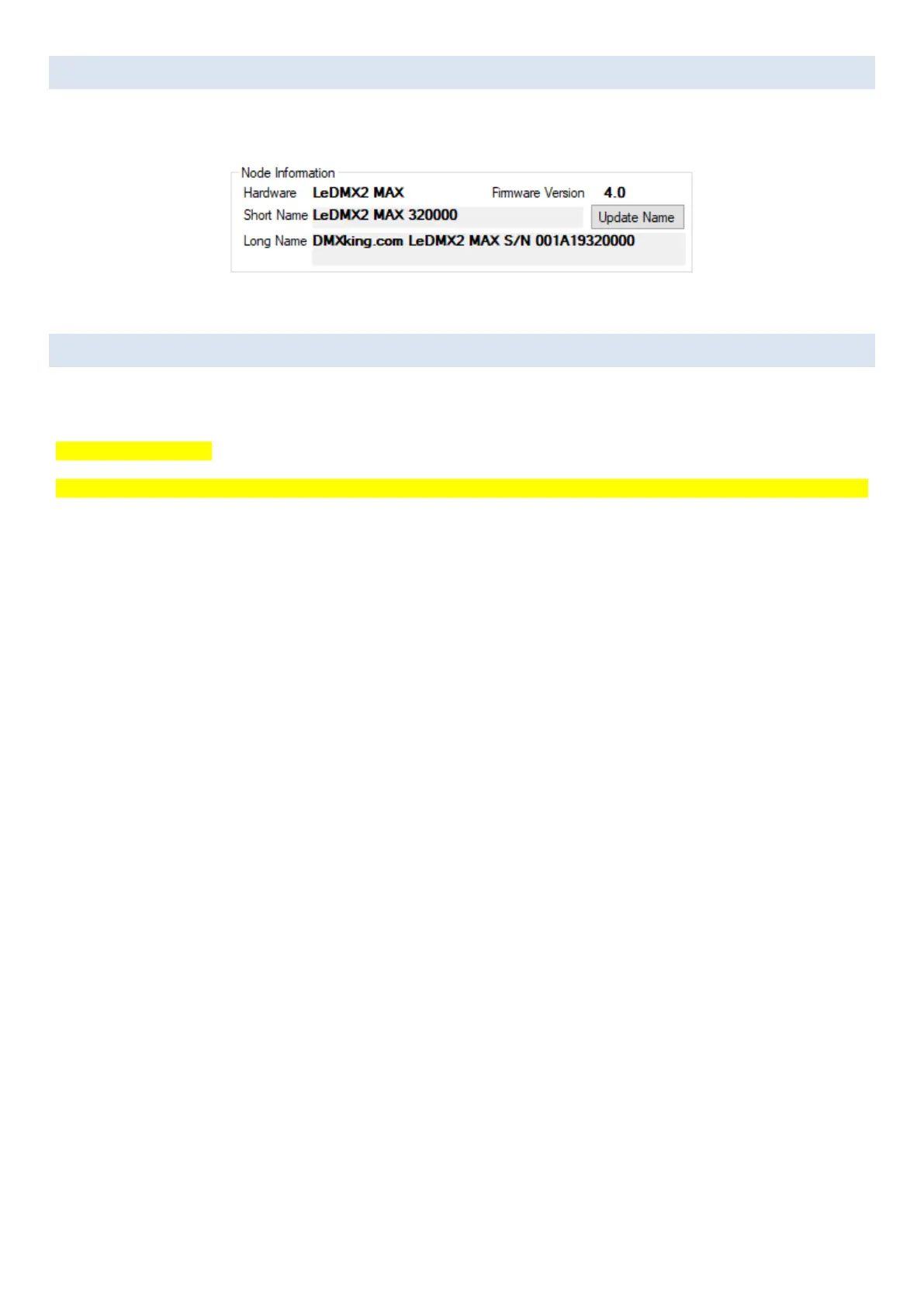
ART-NET NODE NAME
The Art-Net protocol supports device naming which can make larger installations more manageable. Both Short Name (17
characters) and Long Name (63 characters) for an eDMX Device can be edited in the Node Information box.
FACTORY RESET
Factory Reset should only be used when all communication is lost over network and that is typically caused by incorrect network
setup rather than a problem with the LeDMX MAX node.
**Errata** P/N 0129-1.0
Button S1 is marked FORCE B/L and S2 is marked FACTORY RESET. Functions are swapped so press FORCE B/L for FACTORY RESET.
• Level 1: Factory Reset LeDMX MAX configuration. With the device powered on press and hold FACTORY RESET button for
10 seconds.
• Level 2: Factory Reset to Bootloader and no firmware. With the device powered off press and hold FACTORY RESET button
whilst powering on. Follow procedure to manually load firmware to default IP address or use Find My eDMX application.
• Level 3: Force ROM Bootloader. Not for end user.
eDMX Configuration Factory Reset (Legacy devices) menu is not relevant to LeDMX MAX devices and will not have any effect.



 To Next Page