41
User Controls
If calibration is not successful do the following:
Close all software applications >
Reduce ambient light >
Do not obstruct or shake the lens during calibration >
Check if the projected image is clear. If not, adjust the focus to >
sharpen the image
Check that the Touch Area completely covers the screen
>
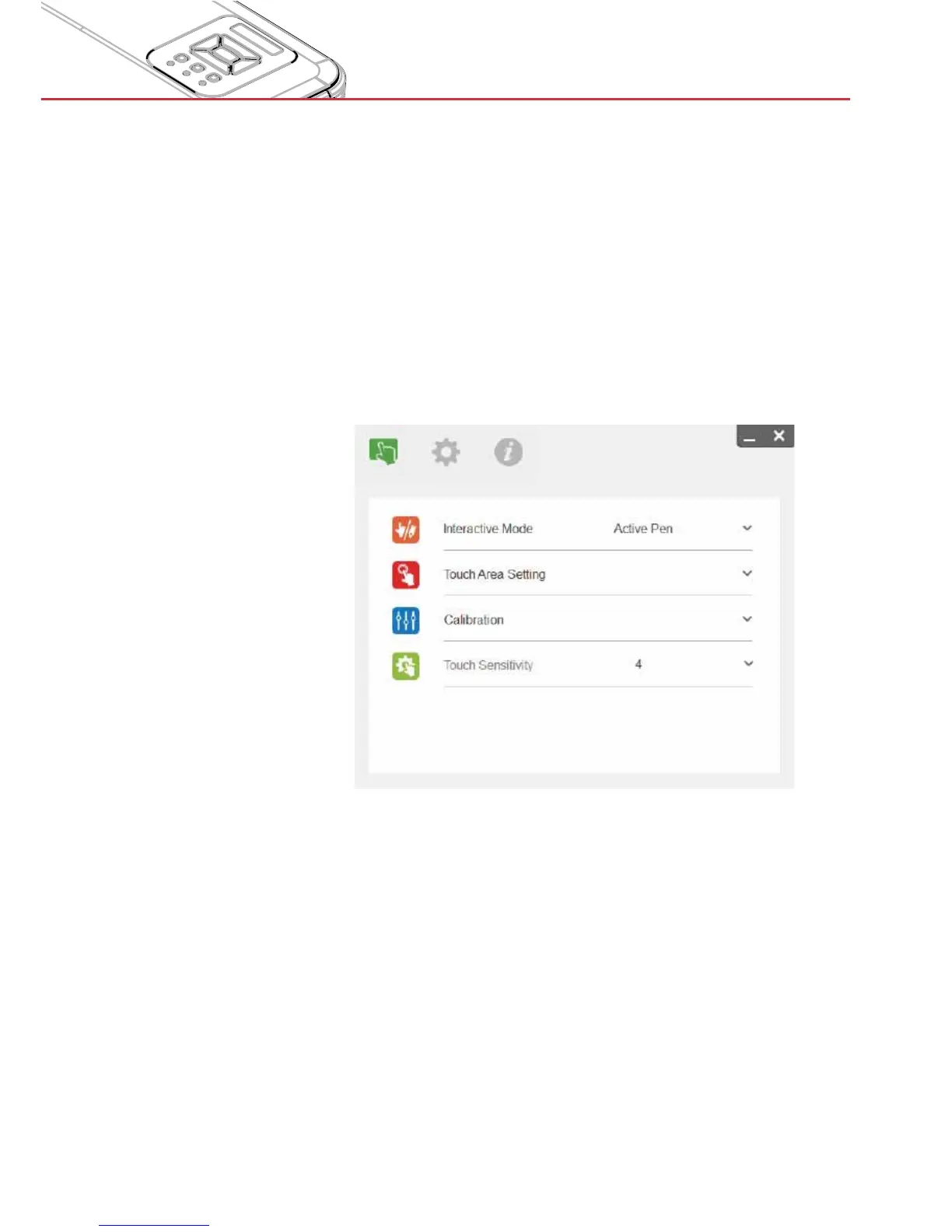
Step 5: Touch Sensitivity
When touch function is unresponsive or writing is intermittent. You
can adjust the sensitivity by adjusting Touch Sensitivity level:
- Default: 4
- Max.: 10 (most sensitive)
- Min.: 0 (least sensitive)
Note: Touch Sensitivity is not adjustable under Active Pen
Mode.


 To Next Page