40
User Controls
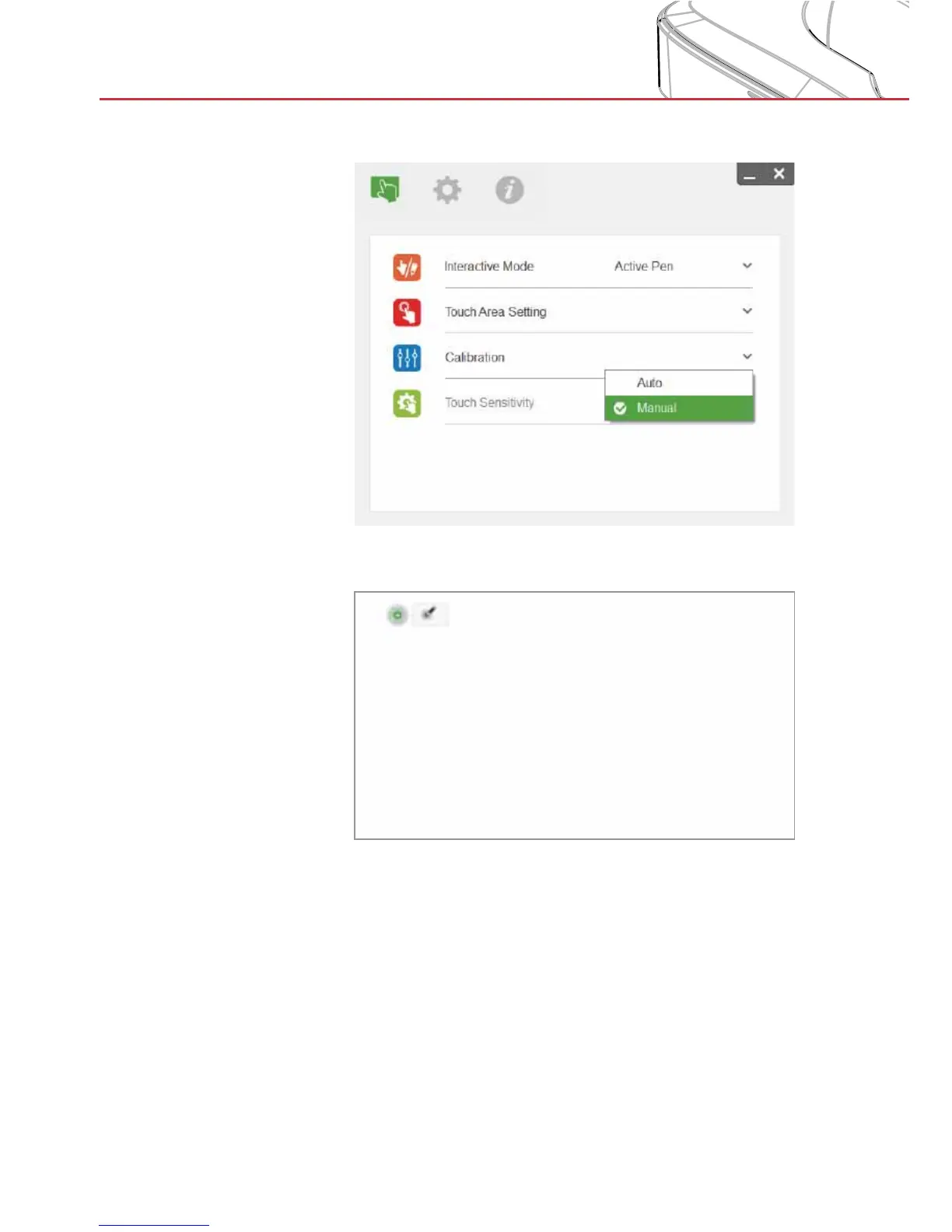
B. Select Manual Calibration to manually adjust the touch accu-
racy:
Note: Manual Calibration is suggested for better accuracy.
Multiple on-screen calibration points are used to adjust the touch
accuracy.
Use finger or pen, depending on operation mode, to calibrate.
Step 1: The calibration target is displayed on the screen (start in
upper left corner).
Step 2: Press and hold in the center of the target until the center
changes color, which indicates the point is set.
Step 3: Release. The next calibration target will display.
Step 4: Redo steps 2 and 3 until calibration is complete.


 To Next Page