DSRX1FirmwareUpdateManual
VersionNumber:1.10
5
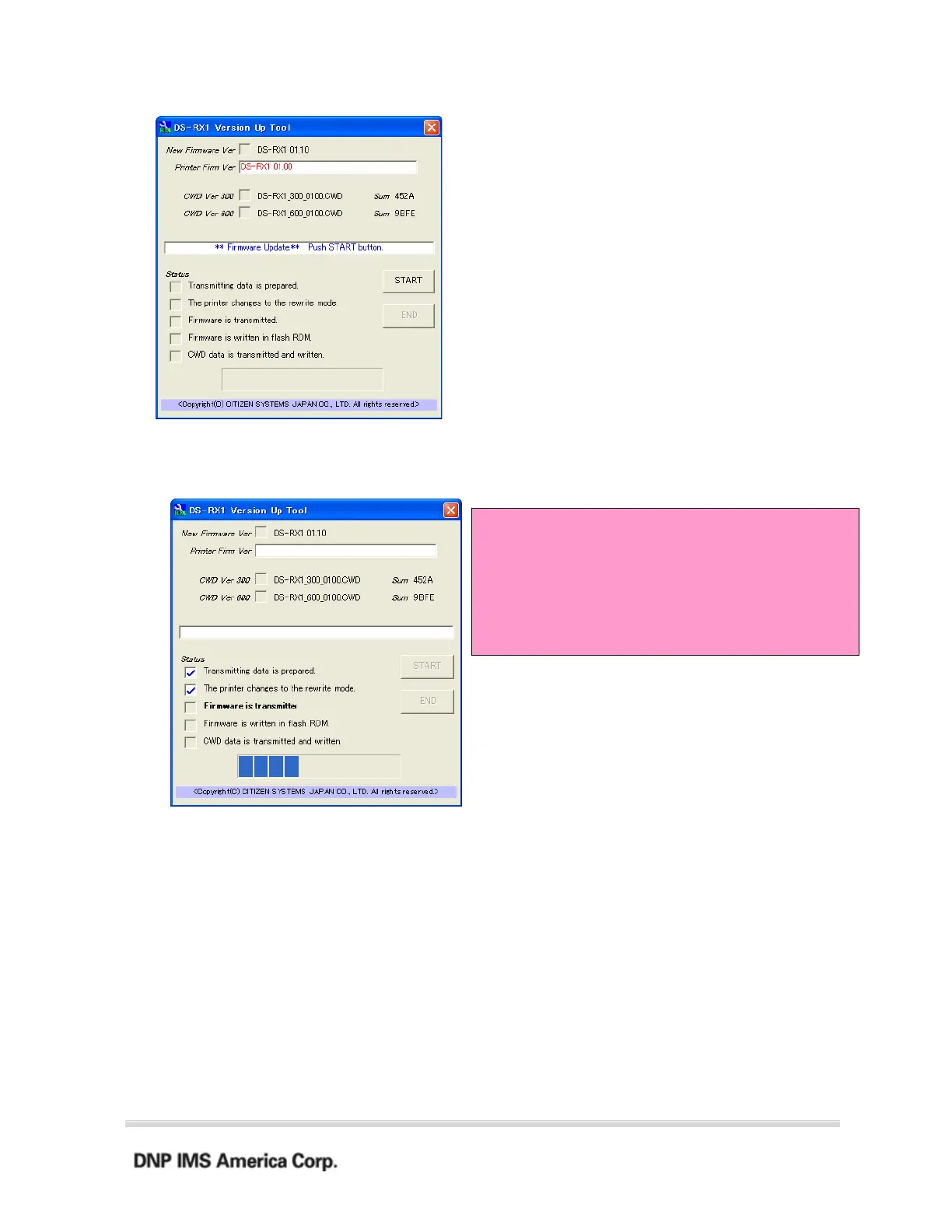
When you click “START” and start the update, the window display will change to the following, and you
can check the update progress status.
!Notice!
While updating, do not disconnect the USB cable or
turn the power off.
Also, do not start or run other software at the same
time.
2. Finishing the update
When all the updates are complete, the window display will look like the
following. Also, the printer LED will revert from flashing green to green.
Confirm the New Firmware and New CWD Ver boxes are checked, and click the “END” button
or close the window to end DS-RX1 Version Up Tool.



 To Next Page