DSRX1FirmwareUpdateManual
VersionNumber:1.10
7
Driver Removal
***Before removing the printer-driver, shut down all other applications.
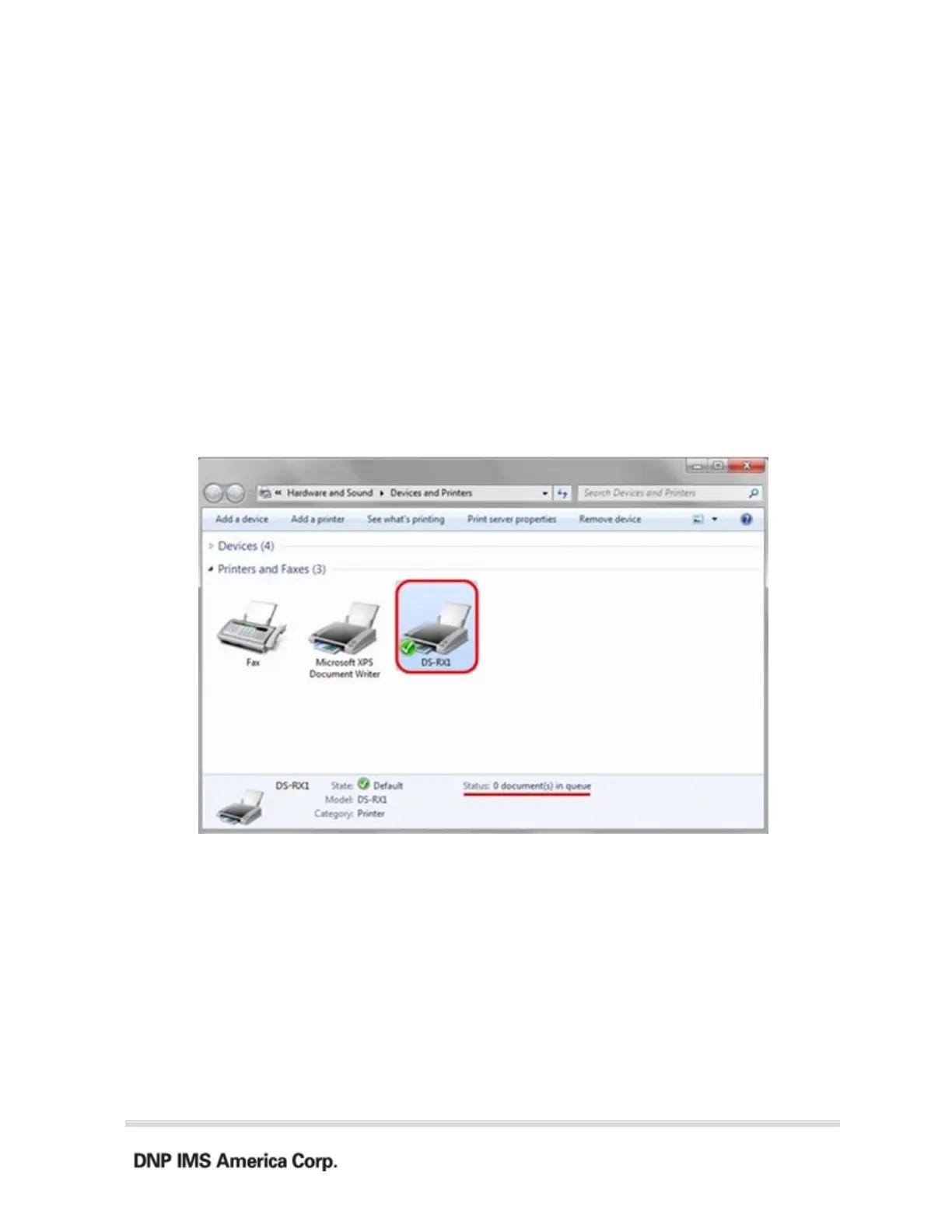
Also, in the “Devices and Printers” window, select the printer icon of the printer you want
to remove, check the bottom of the window that there are no documents in queue, and start
removal of the driver.
1.
Select “Start”, “Devices and Printers”.
2.
From the “Devices and
Printers” window, select the DS-RX1 printer, display the
pull-down menu with the right click, and click on “Remove device”.



 To Next Page