DSRX1Manual
VersionNumber:1.01
12
Connecting
1. MakesurethatboththeprinterandthecomputerpowerswitchesaresettotheOFFposition.
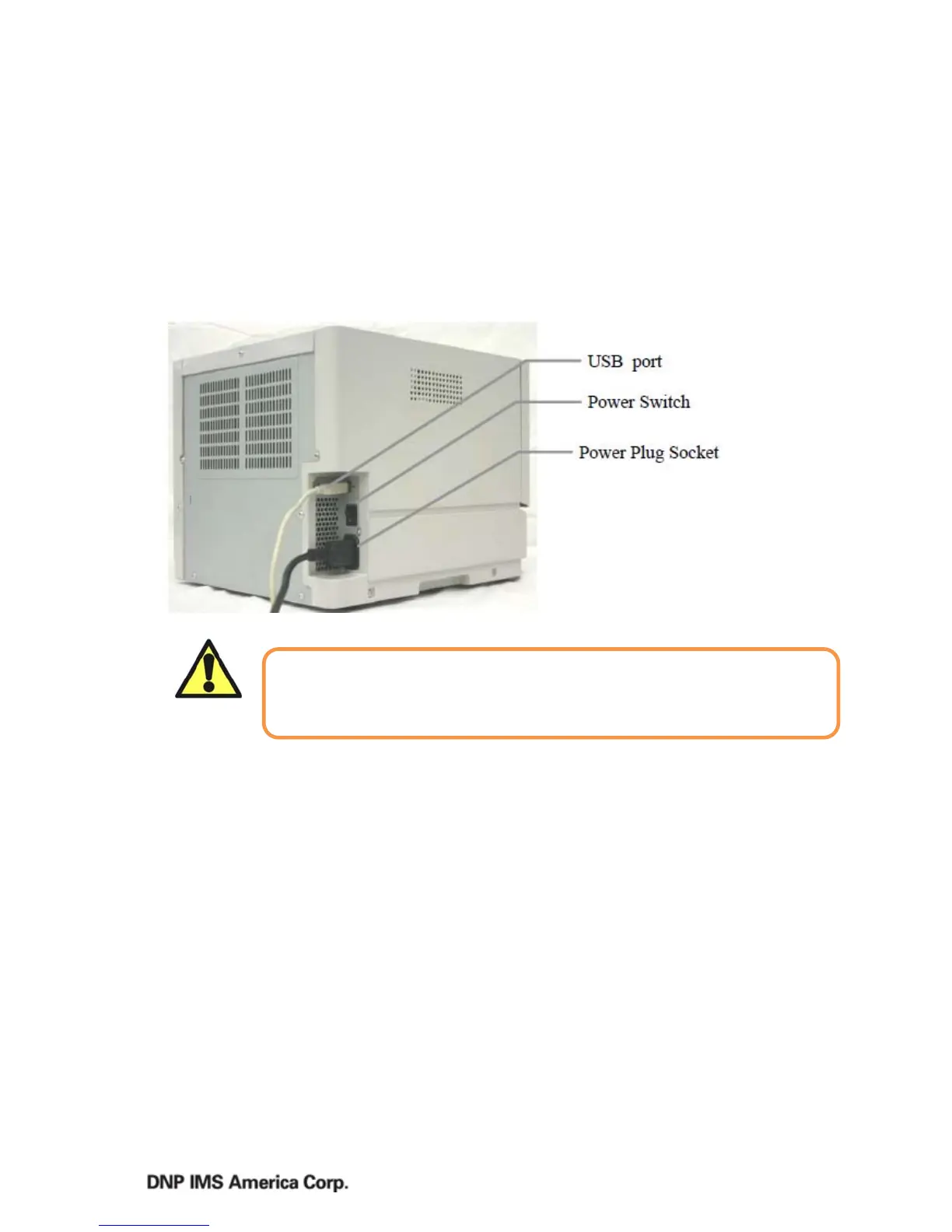
2. PlugthecordconnectorendintotheprinterPowerPlugSocket.
3. Plugthecordintothewalloutlet.
4. ConnecttheUSBcabletotheprinterandthecomputer.
5. Power
theprinterandcomputerON.
Caution
Makesuretousethepowercablethatcamewiththeprinter,andmake
surethegroundwireisattached.



 To Next Page