2.2 Installing the PC Configuration Tool
2.2.1 Minimum System Requirements
PC running Win98/Win2000/Windows XP/Windows Vista/Windows 7
CD-ROM drive
USB 2.0 port
2.2.2 Installation
The PC Configuration Tool is a Windows program that allows you to change the setting of the GPS Tracker.
1. Insert the Configuration Tool CD into the CD-ROM drive
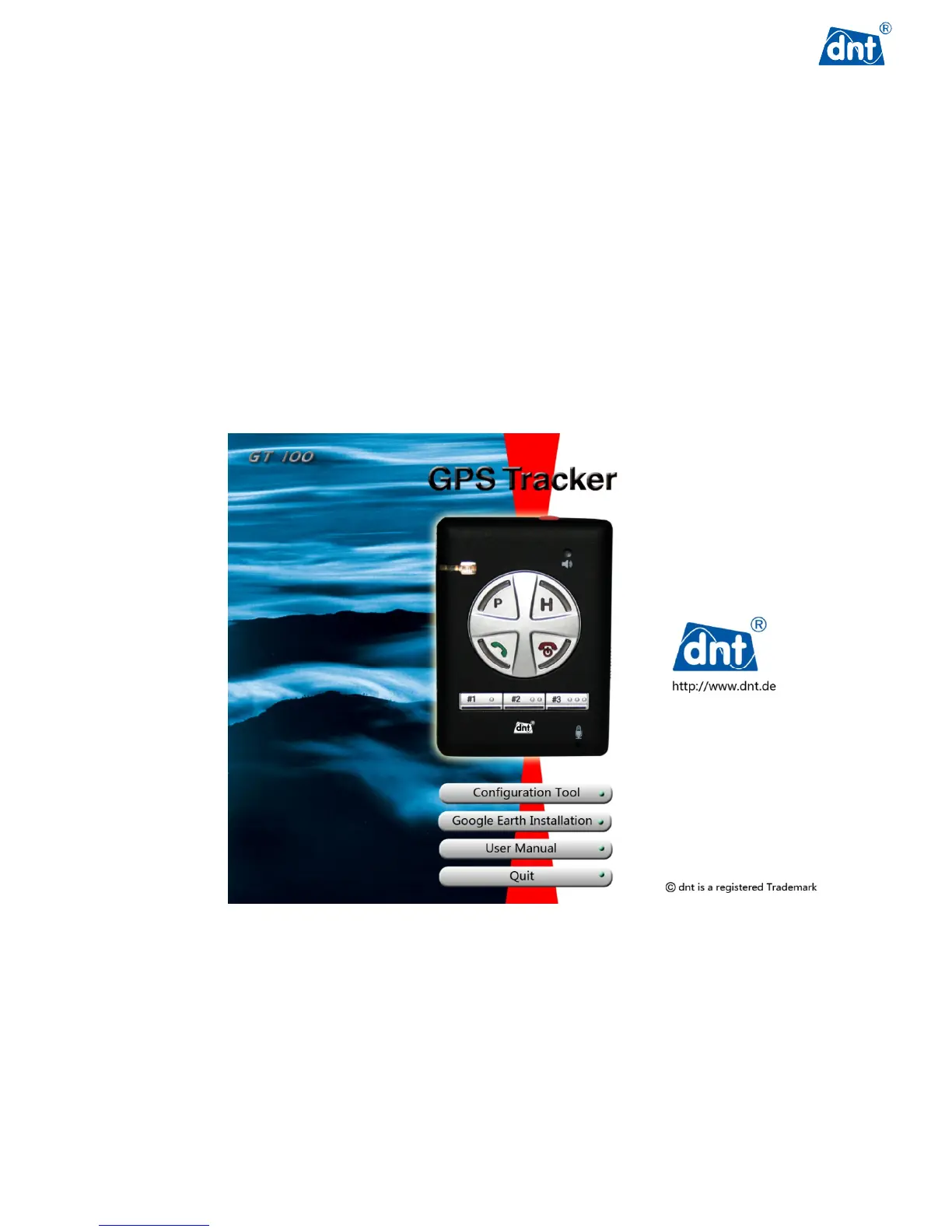
2. Wait for the installation menu screen to appear. If no menu appears, browse the CD contents and
double-click on Autorun.exe.
3. Follow the on-screen instructions to install the PC Configuration Tool software.



 To Next Page