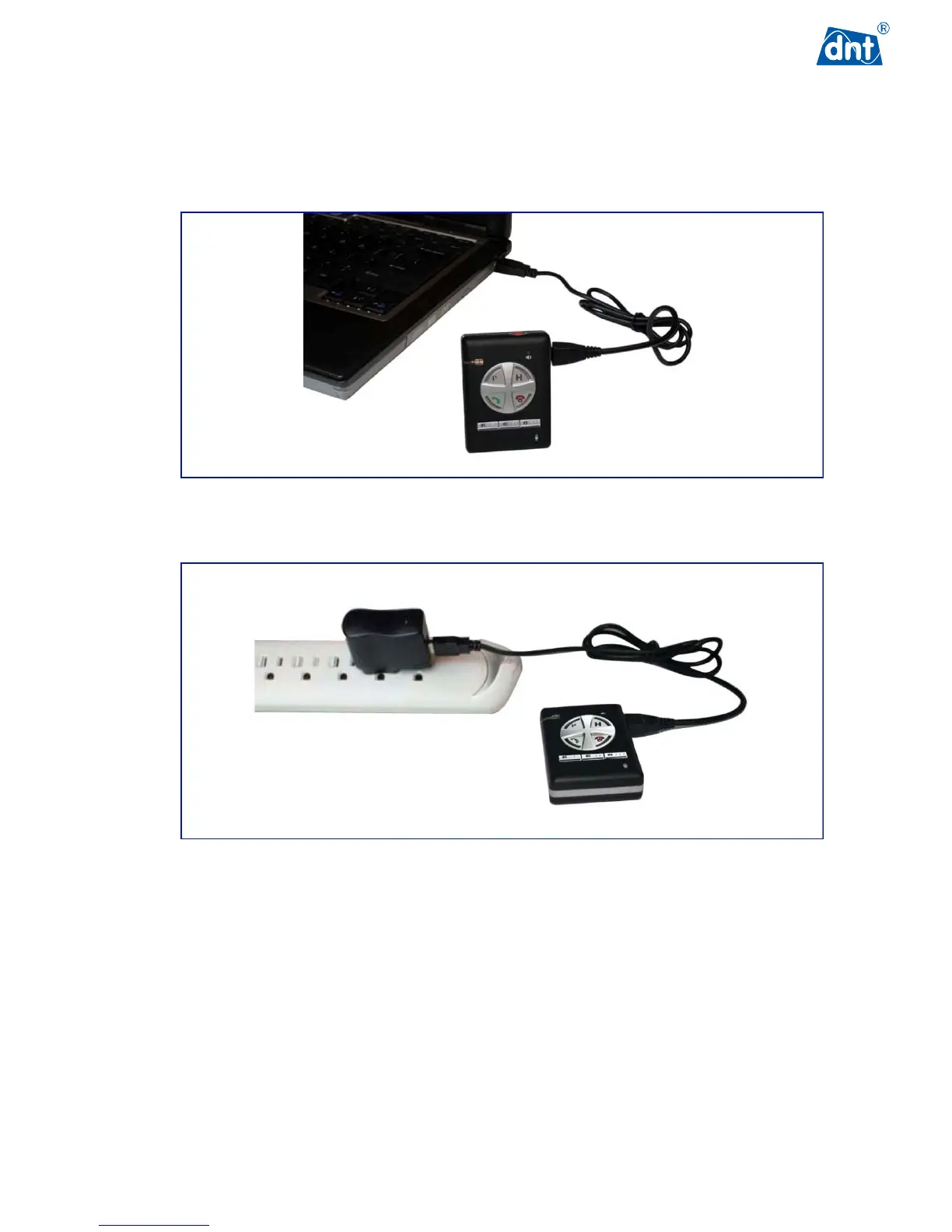
3.2 Charging the GPS Tracker
3.2.1 Charging the Battery Using the USB Cable
3.2.2 Charging the Battery Using the Battery Charger
3.3 Powering Up the GPS Tracker
Press the Power ON/OFF button and hold for over four seconds.
The GPS Tracker will power ON and enter Standby mode as it acquires a satellite signal. Longer
satellite searching time may occur when powering up the GPS Tracker for the first time or if the GPS
Tracker has been moved to another state or country since the last time it was used.
If there is no satellite signal or movement detected for a long period of time, the GPS Tracker will enter
power saving mode as defined by the power saving parameter set using the PC Configuration Tool.



 To Next Page