Chapter 4 Using the PC Configuration Tool
4.1 Starting the PC Configuration Tool
The PC Configuration Tool configuration software is used to program all of the features and settings of the GPS
Tracker. These settings include the preset phone numbers for emergency calls, standby time, etc.
1. Power down the GPS Tracker.
2. Connect the GPS Tracker to a PC using the USB cable.
3. Run The Configuration Tool.exe on the PC.
4.2 PC Configuration Tool Configuration Screens
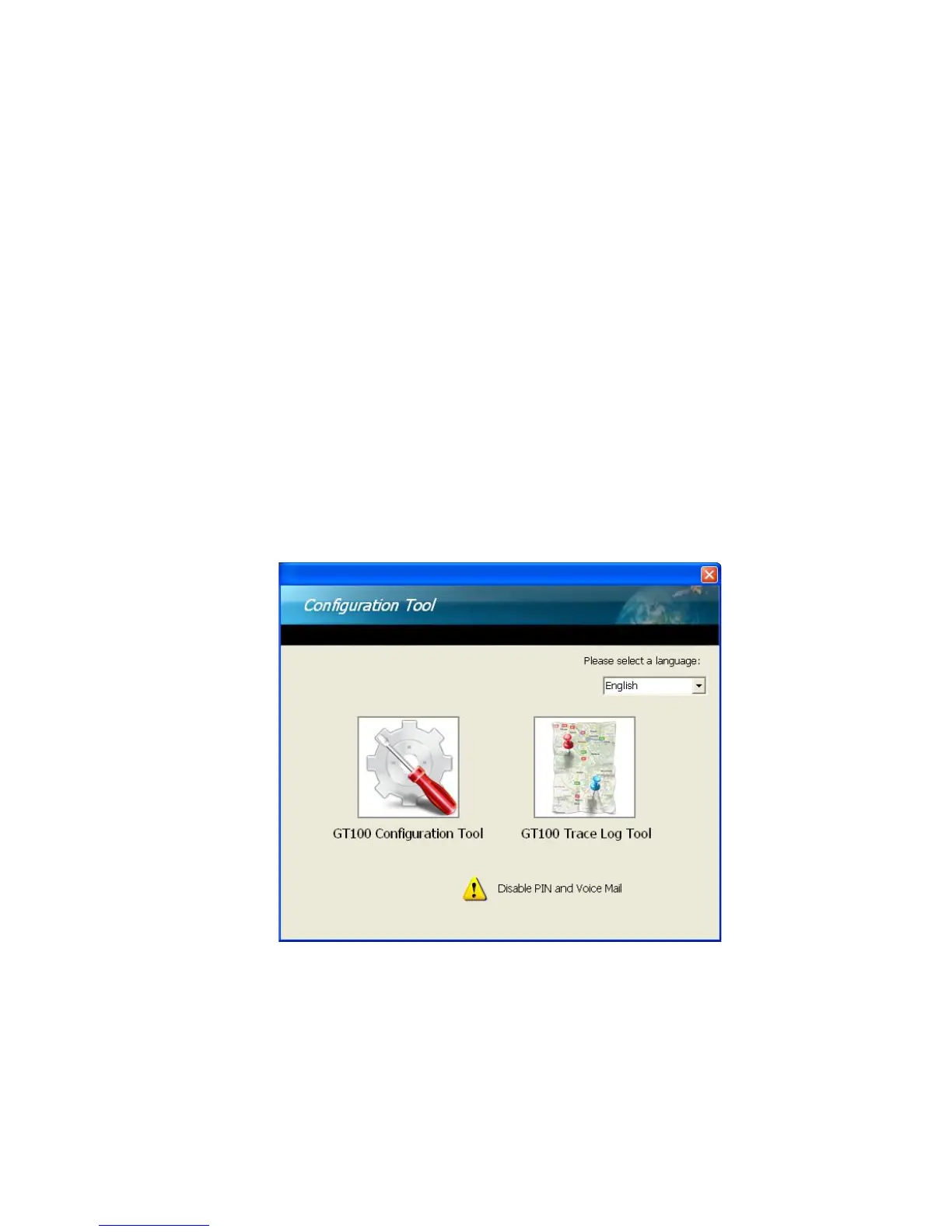
After installing the PC Configuration Tool with the CD-ROM provided in the box, the applications bundled with the
GPS Tracker is ready to use. When the PC Configuration Tool is launched, a Home screen will appear showing
the Configuration Tool and Trace Log Tool. The Configuration Tool allows the user to do simple or advanced
settings depending on application requirements. If GPS logging function is enabled in Configuration Tool, the
data log from GPS Tracker can be downloaded via the Trace Log Tool enabling the user to view the trace log on
Google Earth.



 To Next Page