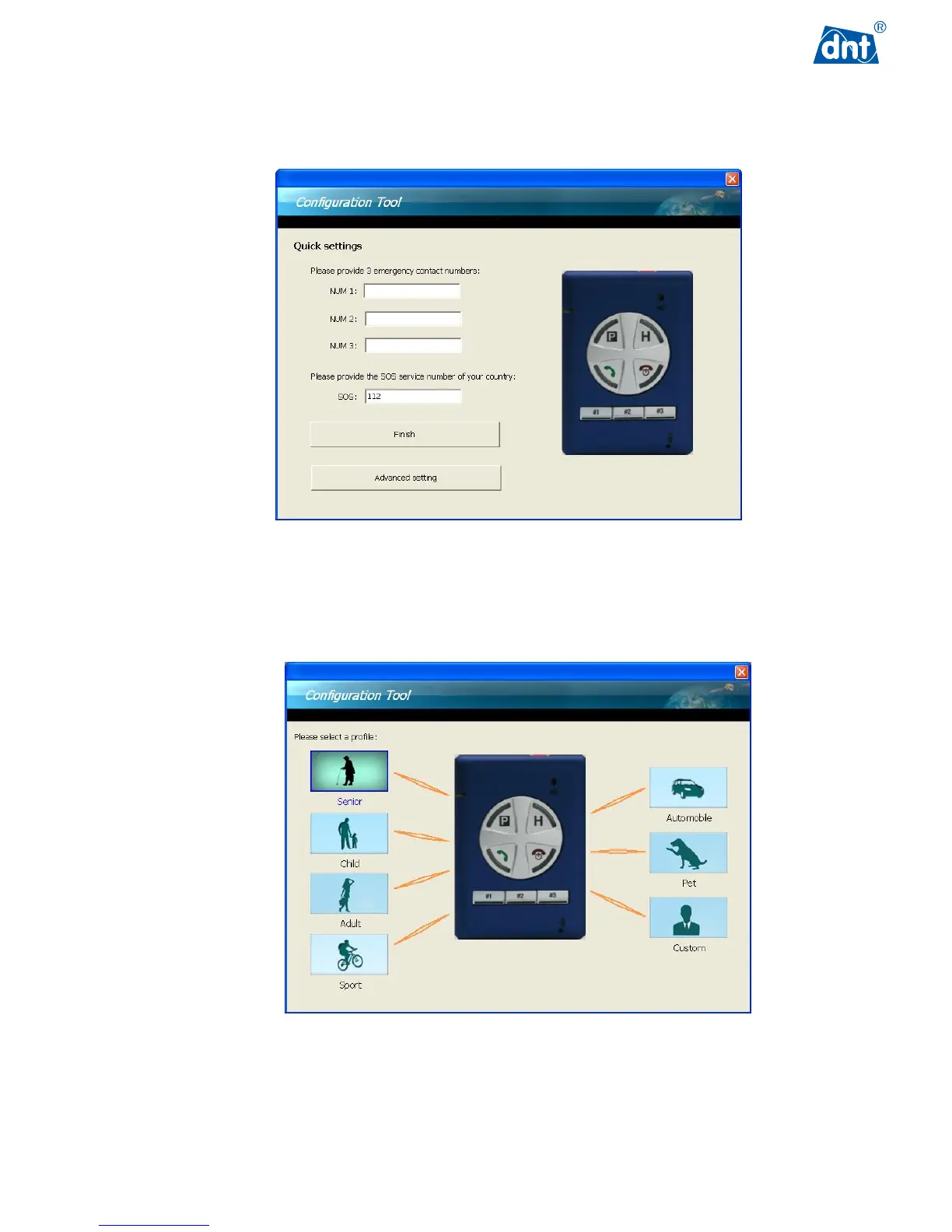
The configuration settings of GPS Tracker are simple. The user can enter 1 to 3 phone numbers allowing the
user to make calls with the GPS Tracker to these pre-set numbers. Press the Finish button to start using this
product. For other applications and settings, use Advance setting button to configure the GPS Tracker further.
In the Advance setting screen, the user can pick from different profiles, such as Senior, Child, Woman, Sport,
Automobile and Pet, to fit the user’s needs. Alternatively, choose Custom to go through the configuration steps
one by one to get fully customized settings.



 To Next Page