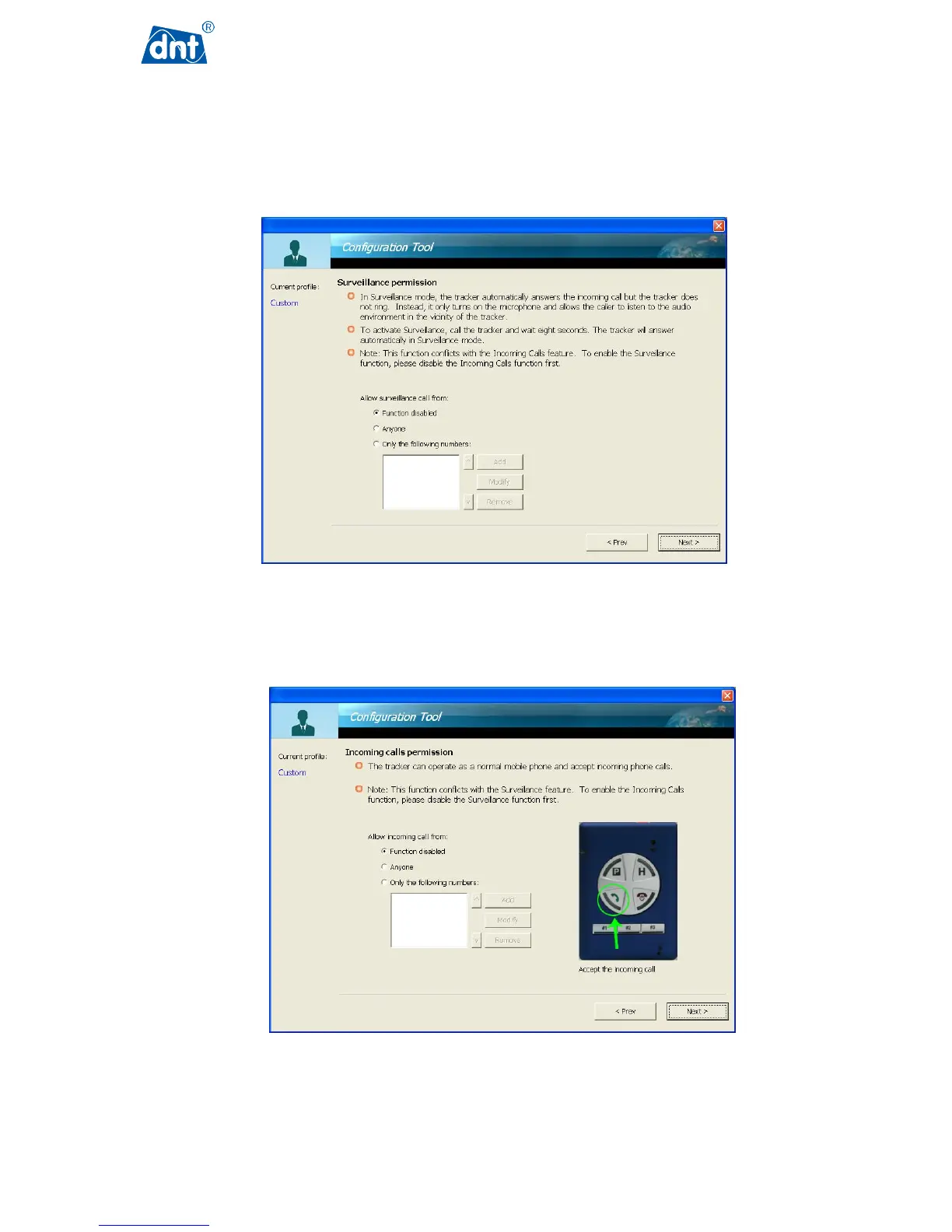
Enabling the Surveillance permission function will allow others (anyone or pre-entered numbers) to call the GPS
Tracker and get the GPS Tracker to answer a call automatically without activating a ringing sound. The caller can
then listen to the audio environment without the holder of GPS Tracker or any people around GPS Tracker.
Note that the Surveillance permission function will conflict with the Incoming Calls feature.
Incoming calls permission allows a GPS Tracker user to set whether to receive calls from anyone or just from
those pre-entered in this page.



 To Next Page