19
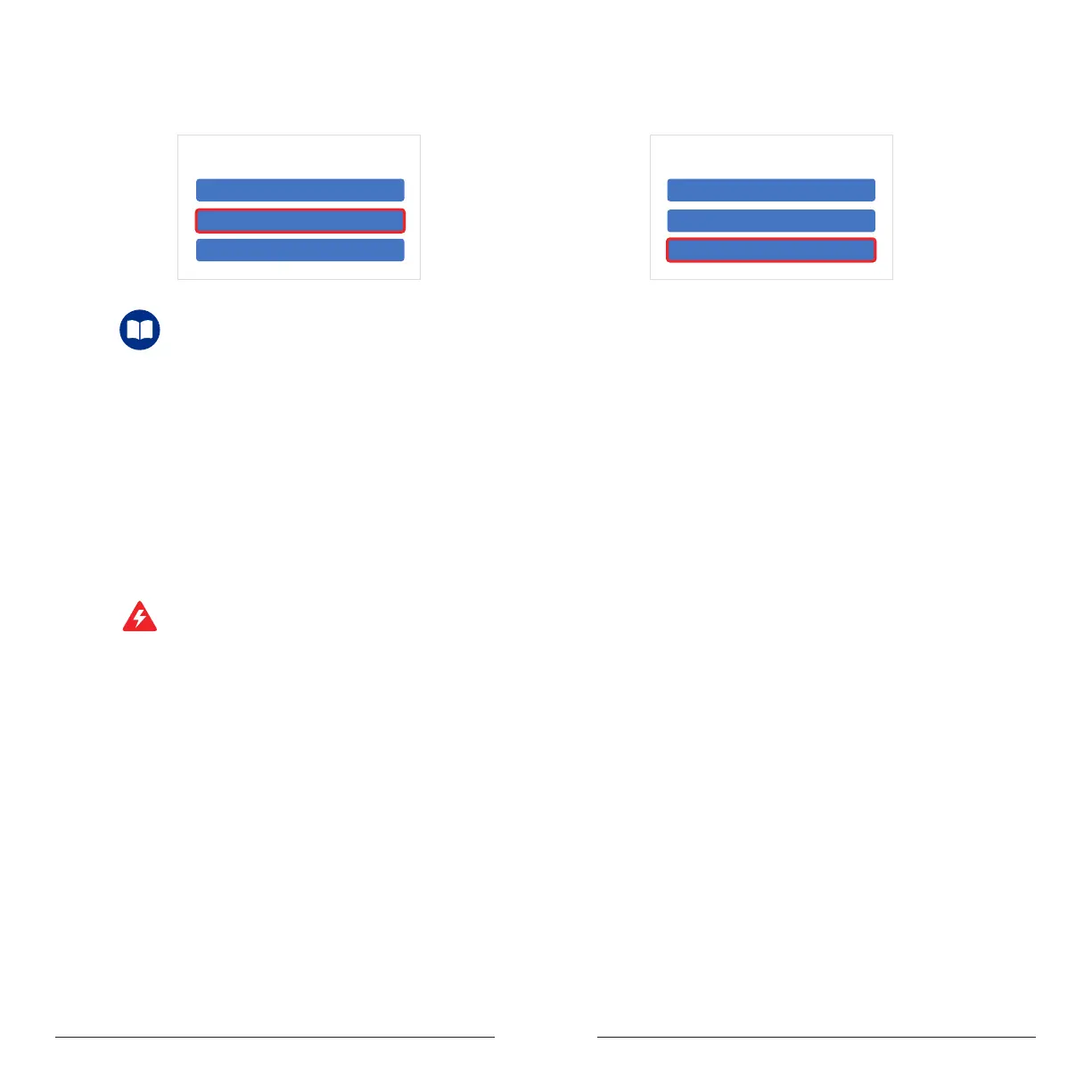
Step 4 : Click Generate G-code to generate a G-code file.
Open File
Generate G-code
Export G-code
File
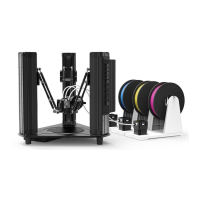
Step 5 : Click Export G-code to save the G-code file to
a USB flash drive.
Open File
Generate G-code
Export G-code
File
Setting Description:
① Size: Adjust the size of the carving pattern, use the zoom buttons for rough adjusting.
② Carving Speed: Adjust according to the hardness of different materials, the materials that are more difficult to carve require the slower speed. Carving speed can be
adjusted real-time through the touch screen. The recommended values for wood are as follows: 3mm / layer - 120mm / min; 2mm / layer - 200mm / min; 1mm /
layer - 260mm / min.
③ Carving Depth: Including the settings for maximum depth and minimum depth of embossment.
④ Step Depth: The carving depth of each layer. If the total carving depth (MAX-MIN) is greater than the step distance, the software will slice in layers.
⑤ Safety Height: The height coordinates of tool when the path is switched.
⑥ Spindle Speed: Use lower spindle speed can reduce noise and vibration in case of cutting soft material.
⑦ SizeX: Width of image
⑧ SizeY: Length of image
⑨ axisX: X coordinate of image
⑩ axisY: Y coordinate of image
Warning:
Since output torque is also reduced at lower spindle speed, if you try to cut hard material with low spindle speed, the spindle may stall and get burnt!Please do not
reduce the spindle speed sharply.


 To Next Page