8
2.4 Features
② View the details of the slice: click the drop-down list on the
upper middle corner of the interface and select “Layer view”
to view the details of the slice.
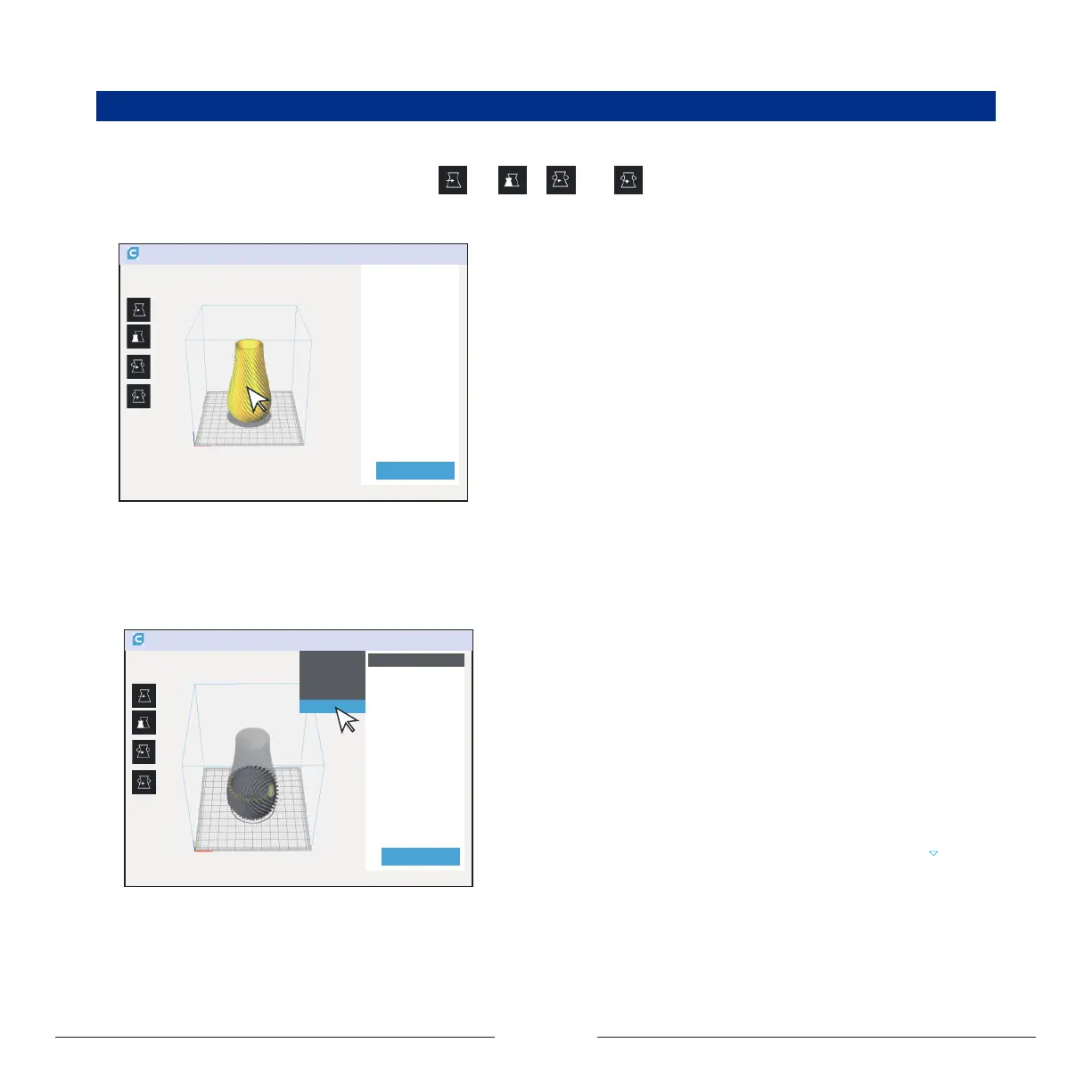
Profile the model:
① Adjust the model: left click on the model, four options “ ”, “ ” , “ ” and “ ” will appear on the left side of the interface,
and you can adjust as needed.
Layer ......


 To Next Page