14
Getting Started
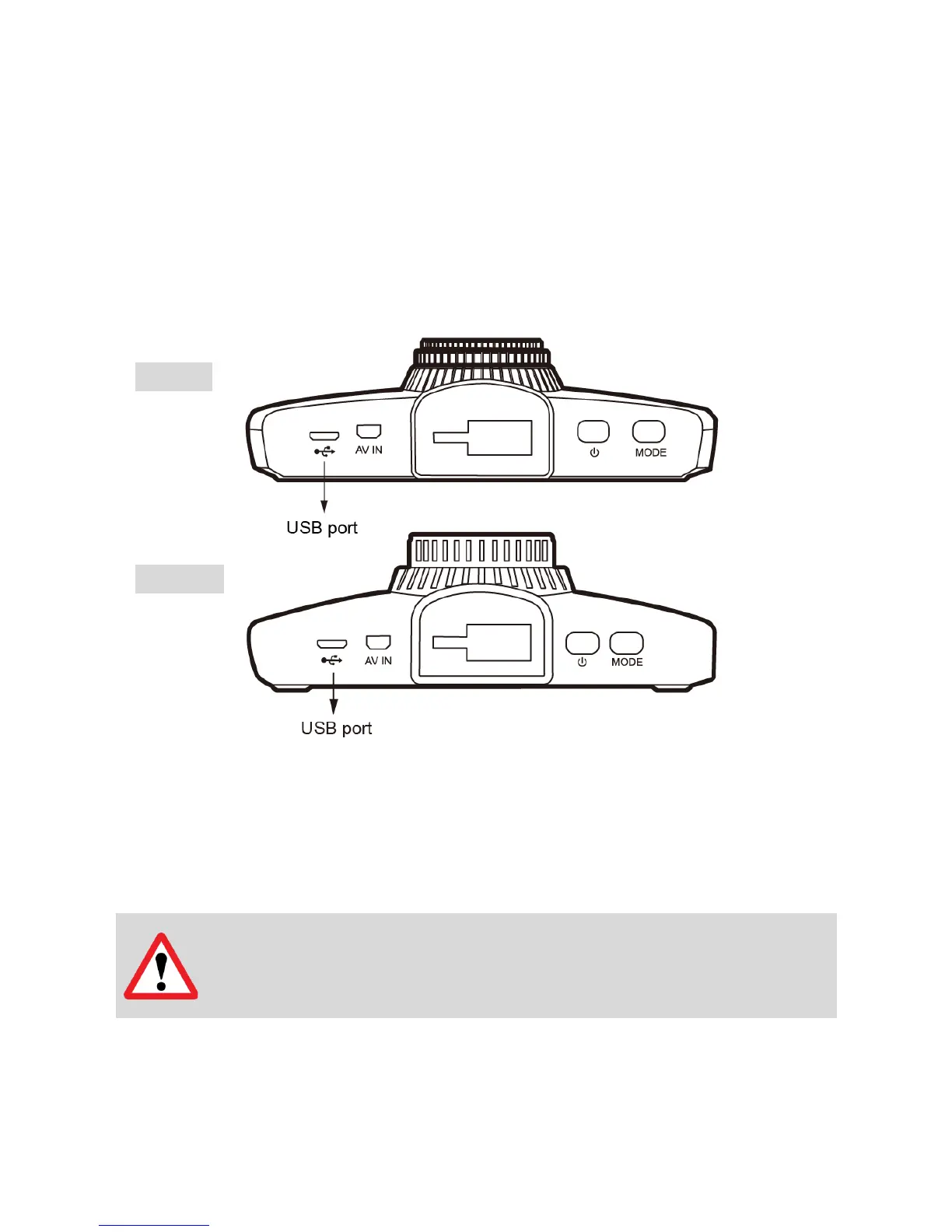
2. Connect the Power Adapter.
Plug the DOD power adapter into your vehicle’s power/accessory outlet.
Then carefully insert the micro USB plug into the USB port.
3. Turn on Your Vehicle.
Powering from your vehicle through the accessory socket will automatically turn on your
camera and starts recording, and your camera will stop recording and shuts off
automatically when power is turned off.
Note: In specified cars, the power may be constantly supplied to the device
even when the engine is turned off. This may drain the vehicle battery. The
optional DOD DP4 kit equipped with low-voltage protection and is designed



 To Next Page