15
Getting Started
4. Turn on/off Your Camera Manually.
Press【 】to turn on or turn off the unit manually.
*The Dash Cam will turn on and off automatically with the power supply from your vehicle.
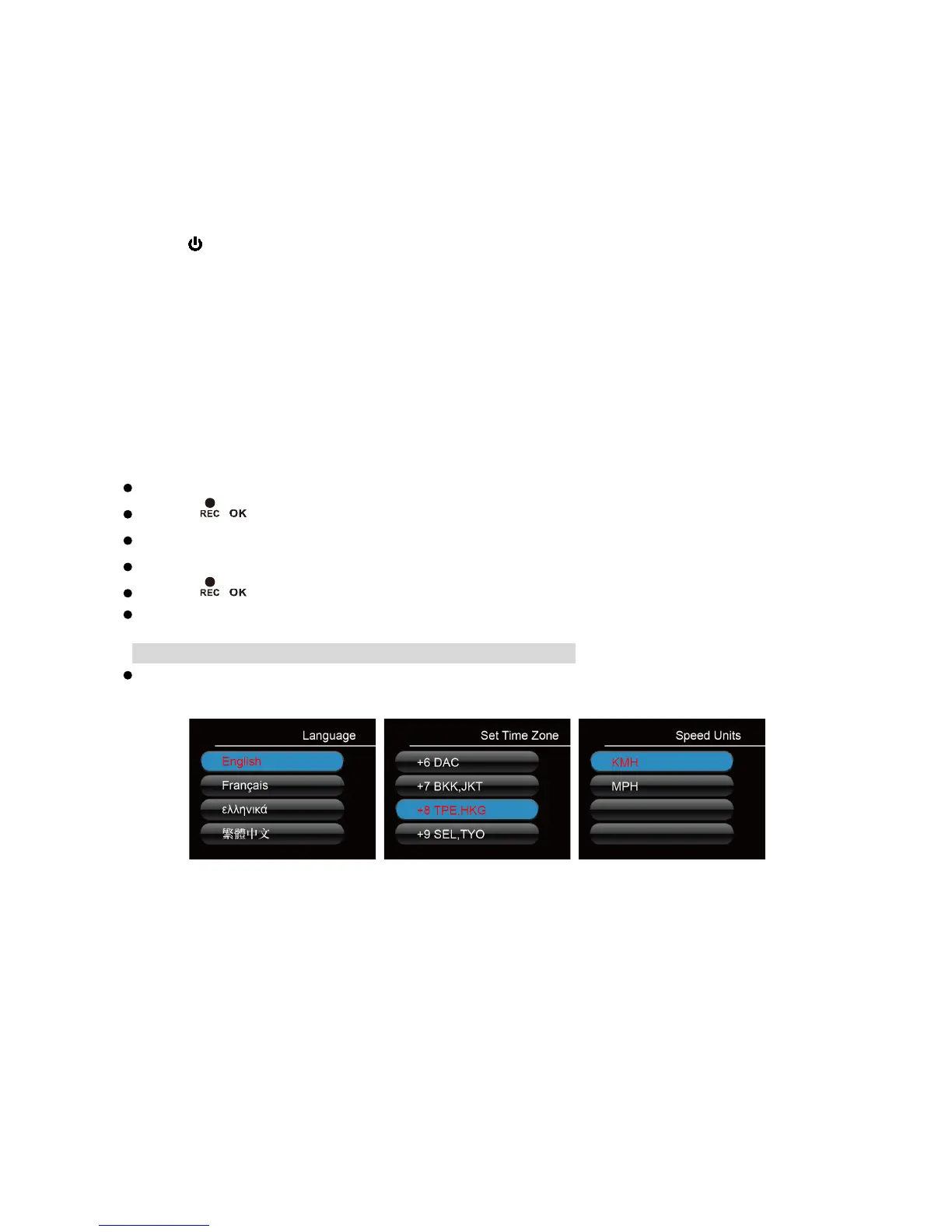
5. Select Language➔Set the Time Zone➔Select the Speed Unit of Your
Choice
Upon powering up the camera for the first time or after upgrading the firmware on the
device, you will need to go through and input the Settings below.
Select Language
Your camera will automatically sync with the time and date to the atomic clock base on the
chosen time zone.
Note: Daylight saving time requires adjustment manually.



 To Next Page