MULTIMEDIA 35
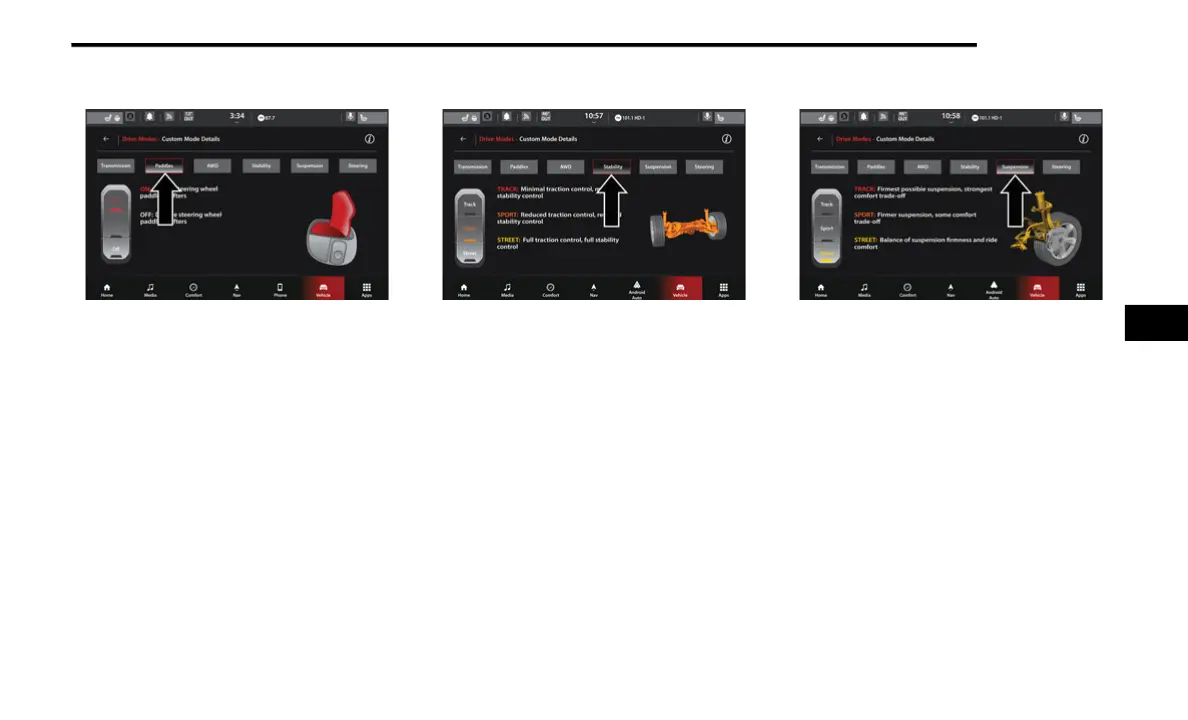
Paddle Shifters
Paddle Shifters
ON
Press the On button on the touchscreen to
enable steering wheel Paddle Shifters.
OFF
Press the Off button on the touchscreen to
disable steering wheel Paddle Shifters.
Stability Control
Stability Control
Track
Pressing the Track button on the touch-
screen will provide minimal stability control.
NOTE:
Traction control is automatically turned off
when TRACK Mode stability is selected.
Sport
Pressing the Sport button on the touchscreen
will provide reduced stability control.
Street
Pressing the Street button on the touch-
screen provides full (default) stability control.
Suspension
Suspension
Track
Press the Track button on the touchscreen to
provide the firmest suspension stiffness with
the highest amount of comfort trade-off.
Sport
Press the Sport button on the touchscreen to
provide a firmer suspension stiffness with
moderate comfort trade-off.
Street
Press the Street button on the touchscreen
to provide a balance of suspension stiffness
and ride comfort for typical daily driving.
5
21_WD_S_SU_EN_USC_t.book Page 35















 To Next Page