Configuring Single Auditoriums and Multiple Auditoriums
Dolby
®
Digital Cinema System Manual Issue 0.92 (Preliminary) 45
Using the Media Block Setup Application
The Media Block setup application allows you to configure the following parameters:
General Settings, Audio Controls, Delays, and 3D Color settings (for Dolby 3D).
To run the Media Block setup application:
1. Obtain the Media Block setup application from Dolby Laboratories and install it on
your laptop following the onscreen instructions.
2. Connect your laptop to the theatre network switch.
3. Launch the Media Block setup application by selecting
Start>Programs>Dolby>Media
Block Setup
. The Media Block setup screen appears.
4. Select
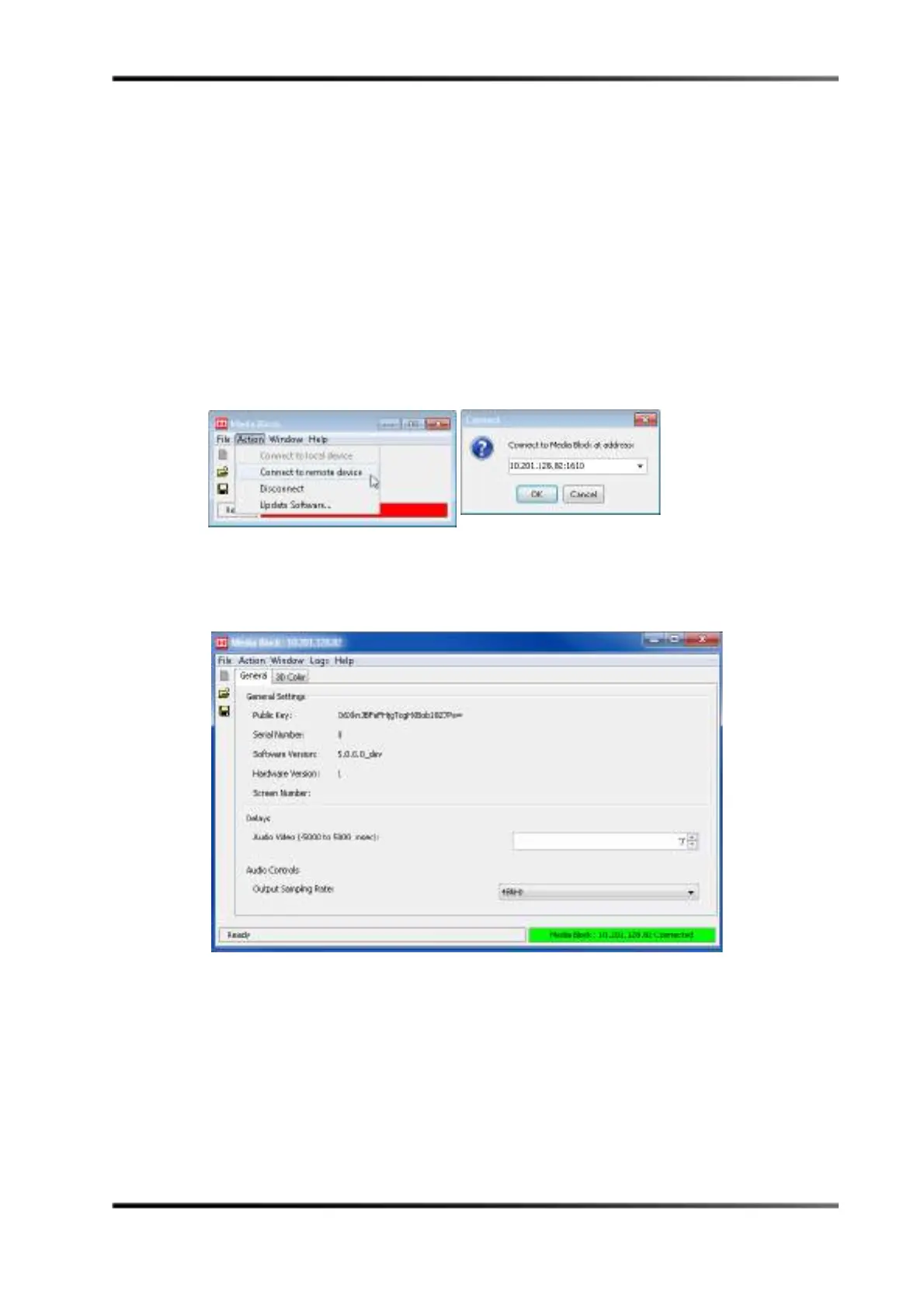
Action > Connect to Remote Device, in the Media Block setup screen, then enter
the DSS220 theatre network IP address and port 1610, as shown in Figure 3-40.
Figure 3- 40
Figure 3-40 Connect to Media Block
5. The Media Block setup screen displays the IMB parameters and related information, as
shown in Figure 3-41.
Figure 3- 41
Figure 3-41 Media Block Setup Screen



 To Next Page