Installing an external reader and connecting it to Access Manager
(control unit)
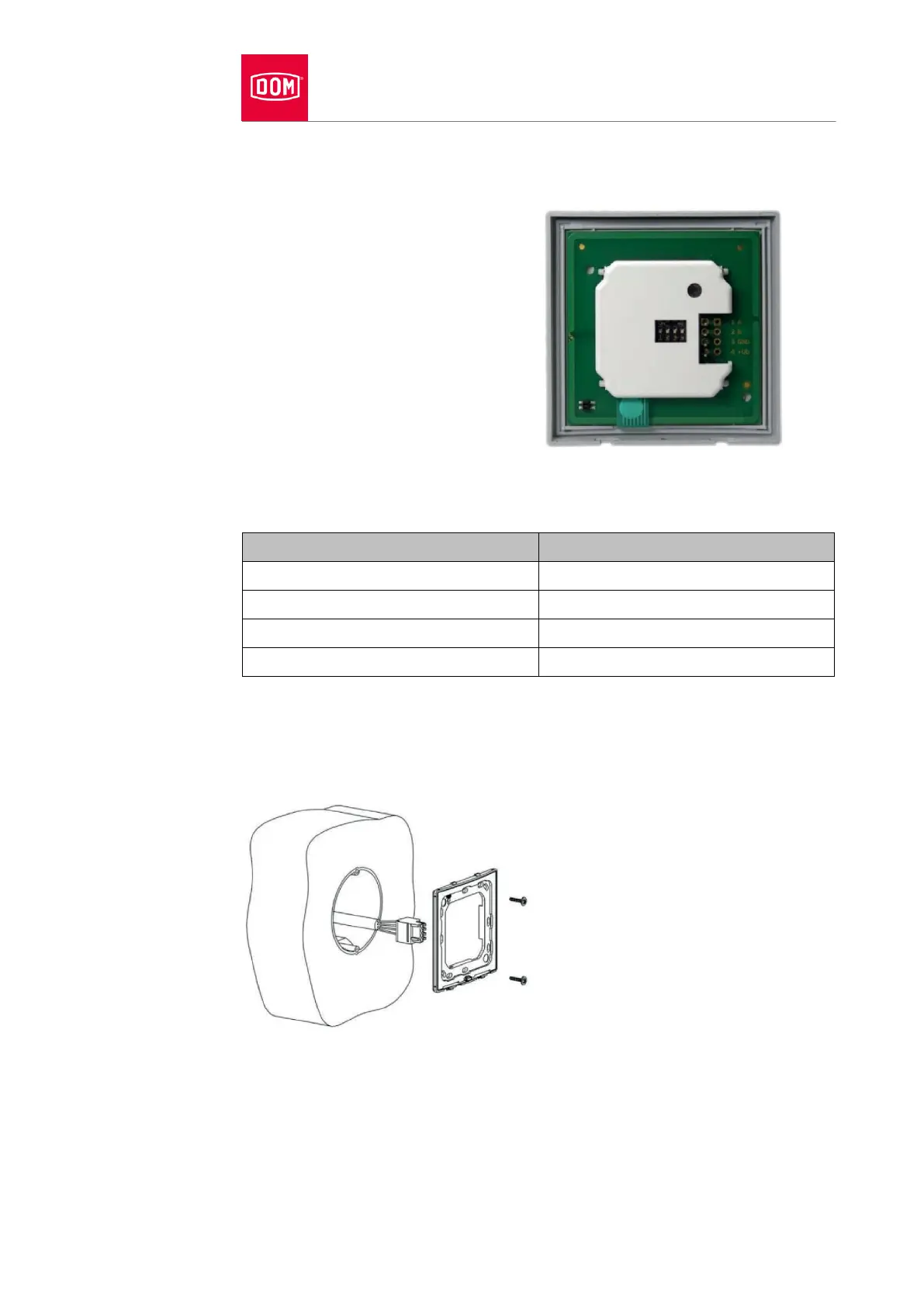
Connecting VOX-IO-Easy to the Access Manager or Access Manager Terminal
(control unit)
The 4-pole connection terminal for
the reader of the ENiQ
®
Module
Reader of the VOX-IO-Easy variant
(for flush mounting or surface
mounting).
This reader is connected to the ENiQ Access Manager
®
or Access Manager
Terminal via the following terminals:
Installing the flush-mounted variant
Fasten the back plate on a DIN device box using the screws included in the
scope of supply (screw spacing 60 mm).


 To Next Page