Installation Guide YAMORC YD9401 – Upgrade Module
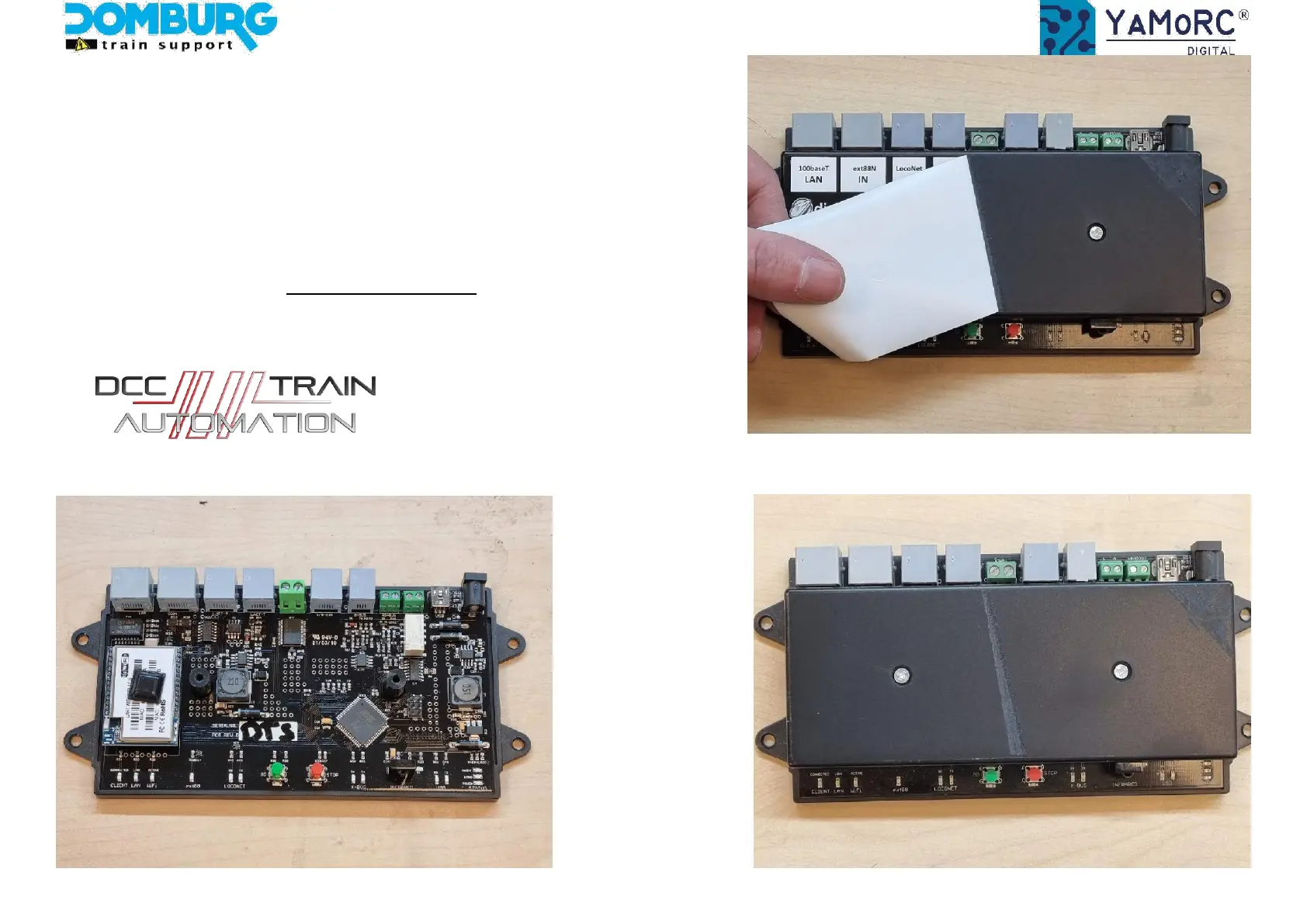
Step 2 - prepare the DR5000
1. Remove the label from the DR5000
2. If desired, remove excess adhesive residue with a degreaser of your choice
3. Using a Phillips screwdriver, remove the two screws from the cover.
4. Remove the DR5000 cover
5. Connect the DR5000 to the other power source
This manual is offered to you by Domburg Train Support in collaboration with Drenth Design & Consulting www.domburgtrainsupport.nl Page 5


 To Next Page